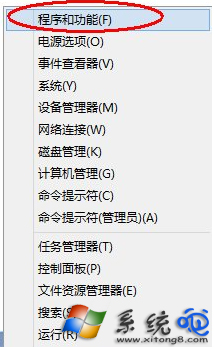
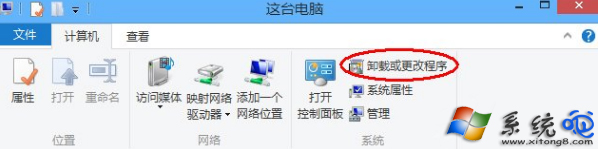
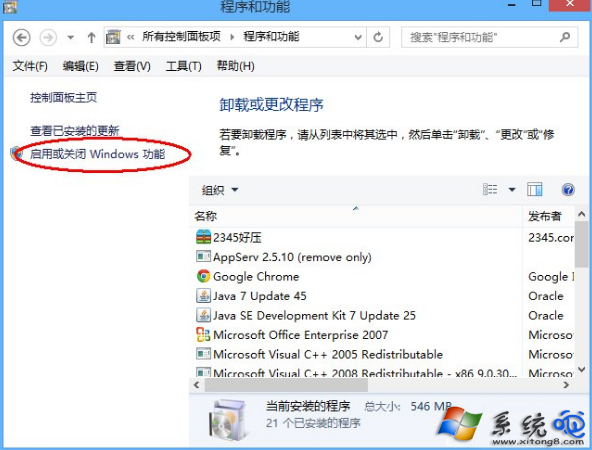
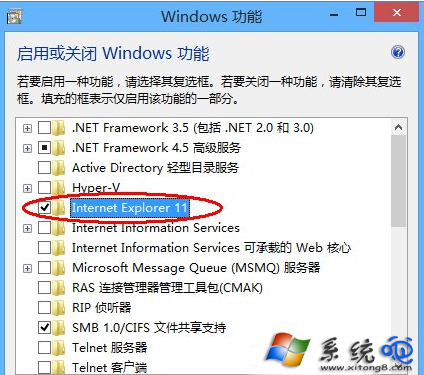
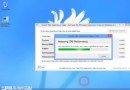
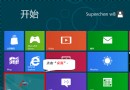
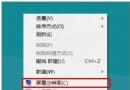
Win8 移除 IE 步驟:右鍵開始按鈕 → 「程式和功能」 → 左側「開啟或關閉 Windows 功能」 → 找到 Internet Explorer → 取消勾選 → 確定 → 重開機完成移除。
Windows 8 查看與修改電腦名稱、網域與工作群組:Win+X 快速入口圖解
Windows 8 建立系統映像備份完整教學
華碩推出變形平板新成員 ASUS Tablet 810/600 搭載 Windows 8/RT 鍵盤座延長續航
Win8 如何隱藏/顯示工作列「動作中心」圖示?通知區域自訂設定
Windows 8 卸載程式三大法:控制台、開始畫面、開始選單工具
Windows 8 IE10 打開即閃退解決方案:預設瀏覽器衝突與乾淨啟動排查
Win8.1 出現錯誤 651 怎麼辦?三步驟修復寬頻撥號失敗
Win 8 應用程式安裝失敗?錯誤 0x80073cf9、0x80073d0a 完整解決教學