現象
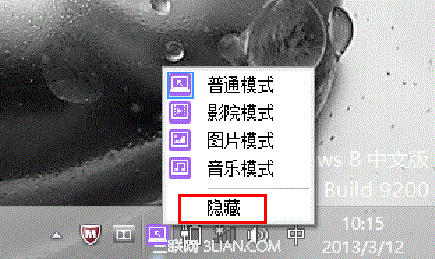
Y400/Y500 預裝 OneKey Theater 圖示在工作列隱藏後不知如何恢復。
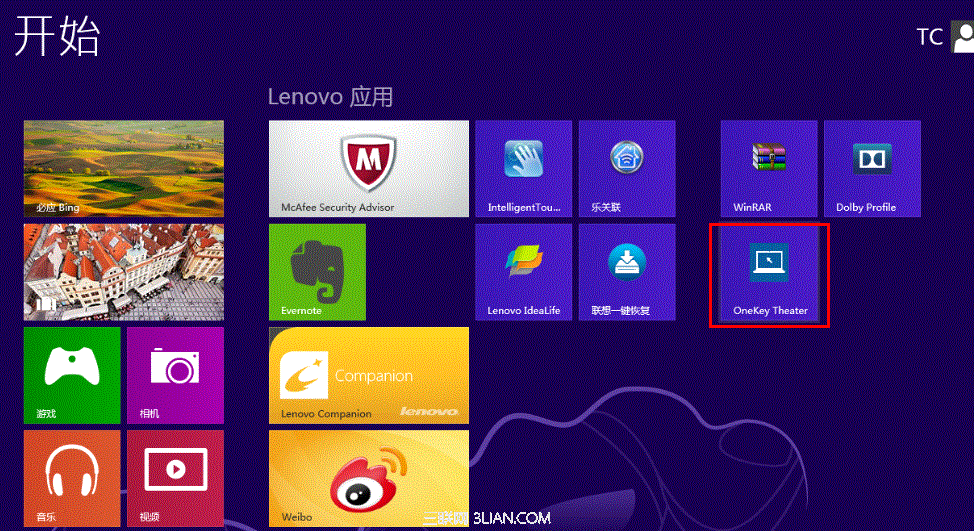
方法一:開始畫面直接點擊
- Metro 開始畫面找到「OneKey Theater」圖示點擊即可恢復。
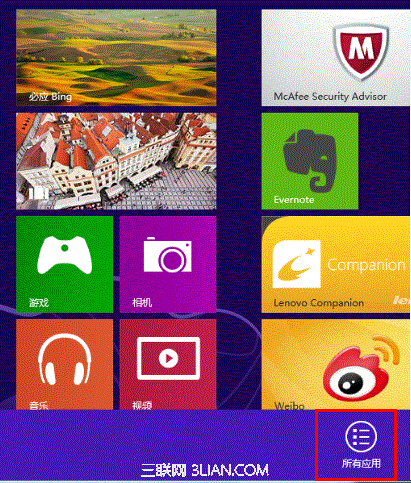
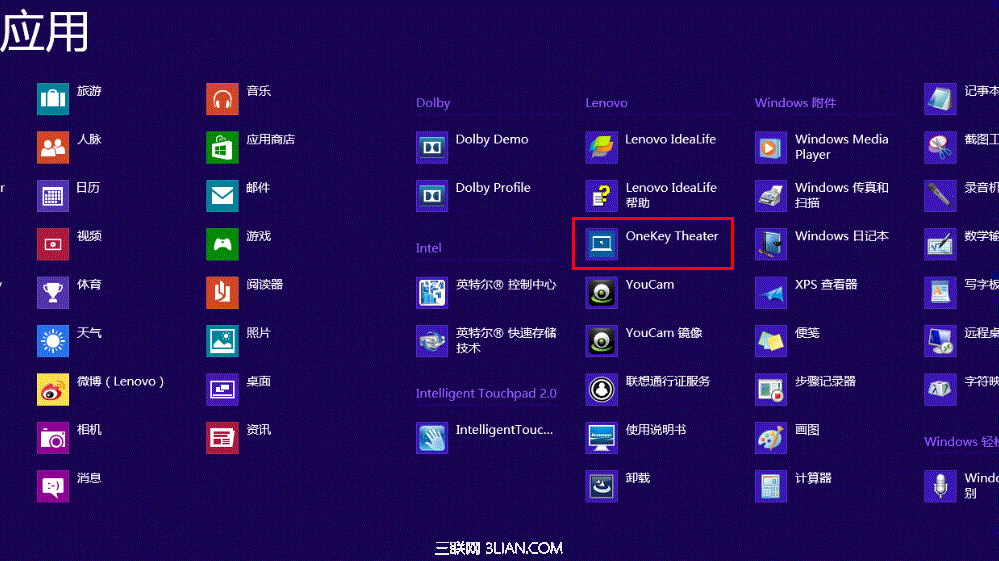
- 若不在主畫面,右鍵開始畫面 → 「所有應用程式」 → 找到並點擊。
方法二:控制台修復
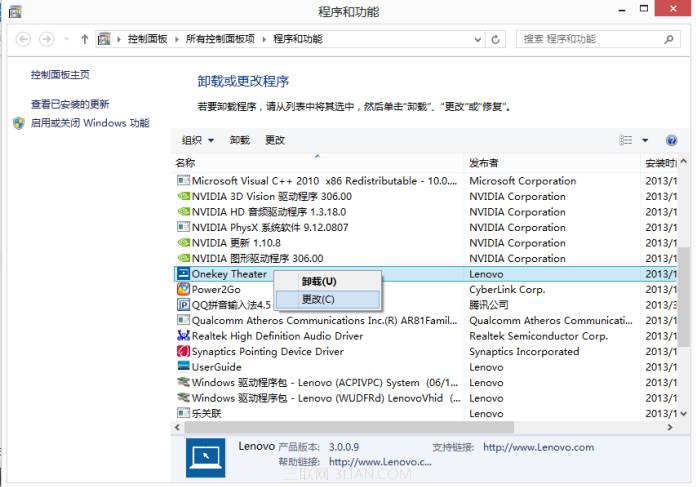
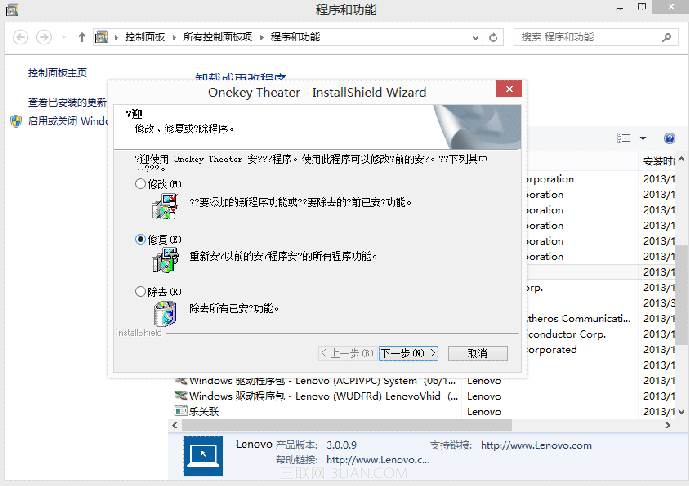
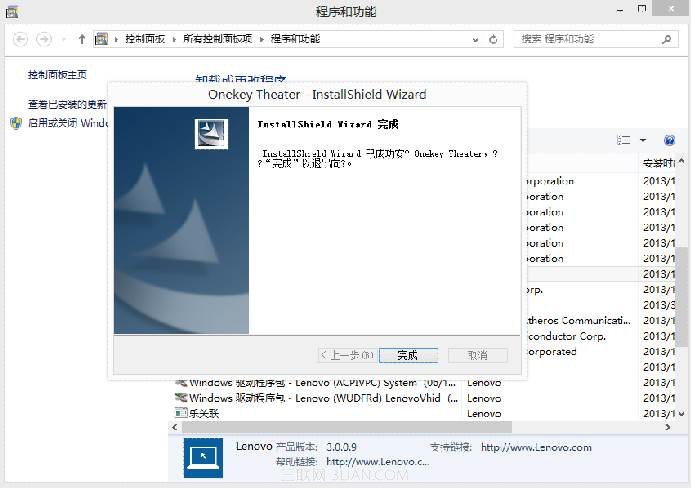
- 控制台 → 「程式和功能」 → 找到 OneKey Theater → 右鍵 → 「修復」。
- 完成後圖示自動恢復。
方法三:重新安裝
- 出廠預裝機型 D 槽
Drivers\Onekey theater 含安裝檔,直接執行安裝。
- 或至聯想官網下載對應系統版本安裝。