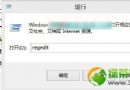
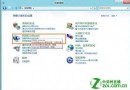
索引服務頻繁寫入 SSD 縮短壽命,關閉後改用即時搜尋,SSD 高隨機讀取效能使速度差異微小。
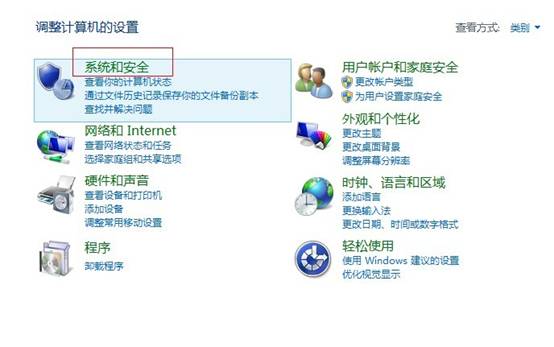
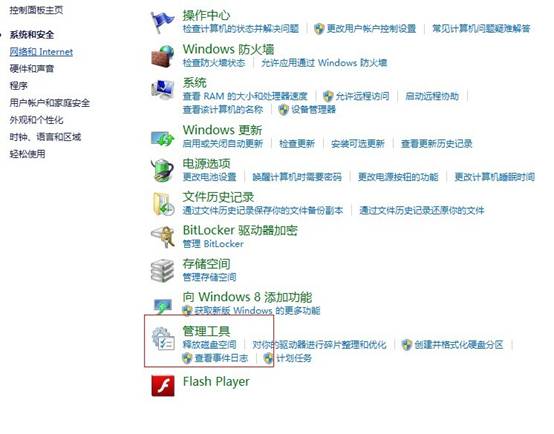
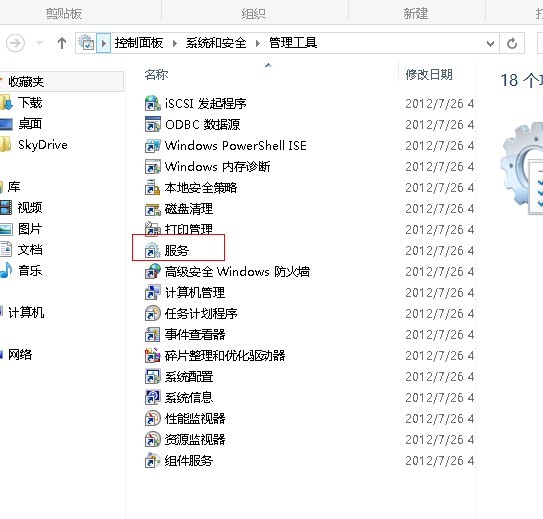
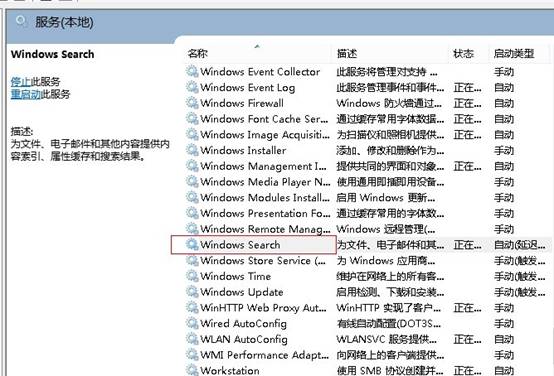
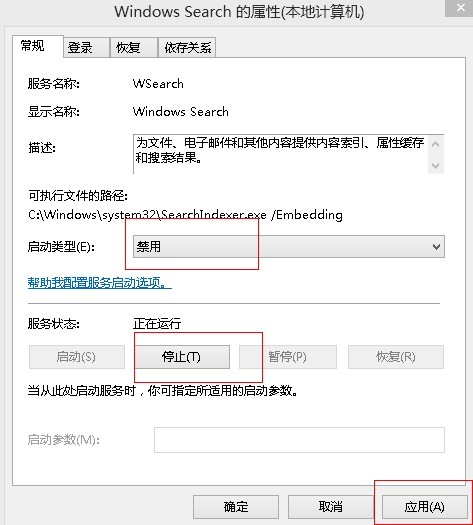
適用對象: SSD 用戶 (特別壽命敏感)、機械硬碟不想要索引服務的用戶。搜尋頻繁者建議保留。
Win8 關機總跳「有程式未關閉」提示?組策略關閉自動終止功能讓關機飛快
Windows 8/8.1 刪除休眠檔案 hiberfil.sys 釋放 C 槽空間:CMD 一行指令與群組原則兩種方法
你必須知道的 Windows 8 安全新功能:Secure Boot、SmartScreen、整合式 Defender
IDC:Windows 8 將推動 2012 下半年 PC 出貨量反彈增長 5%
Windows 8 磁碟管理完整教學:建立/格式化/刪除分區、指派磁碟機代號、NTFS 檔案系統選擇
Windows 8 設定自動登入教學:免輸入密碼、建立子帳戶、啟用來賓帳戶