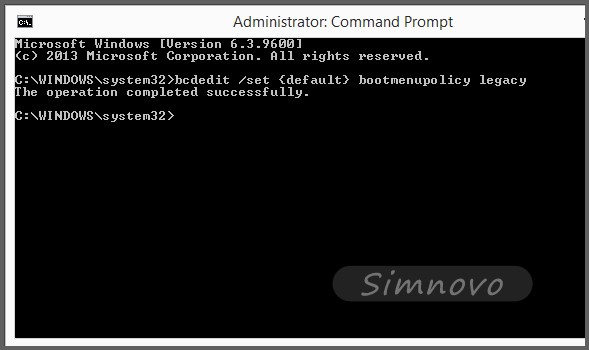
Windows 8 移除開機 F8 進階選單,透過 bcdedit 可恢復傳統模式,同樣適用 Windows 8.1。
bcdedit
bcdedit /set {default} bootmenupolicy legacy
執行: bcdedit /set {default} bootmenupolicy standard
bcdedit /set {default} bootmenupolicy standard
Win8 提示「停止運作」解決方案:重新安裝與修復電腦
Win8 網路設定完整指南:Modern UI 與傳統模式雙軌並行
Windows 8.1 八大痛點與解決方案:從開始按鈕到關機步驟
Win8 電源按鈕自訂功能設定:關機/睡眠/休眠隨心切換
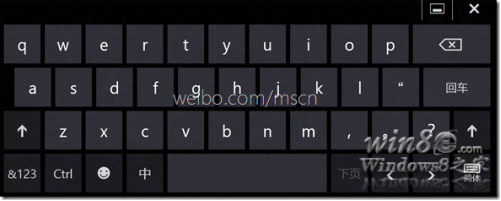
Windows 8 呼叫 Tablet PC 輸入面板圖解(同 19376 內容)
Windows 8 輸入法完全設定指南:新增/刪除語言、調整優先順序、自訂熱鍵與預設輸入法
Windows 8 管理無線網路設定檔:命令列 netsh wlan 顯示/刪除/查看密碼/停用自動連線完全指南
Win8 關閉鍵盤提示音(切換鍵聲音)設定教學