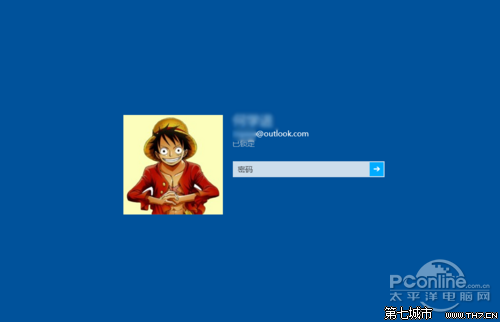
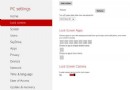
Windows 8/8.1 預設啟用 Modern 鎖定畫面(顯示時間、網路、電池),若想直接進入登入畫面,可透過群組原則停用。
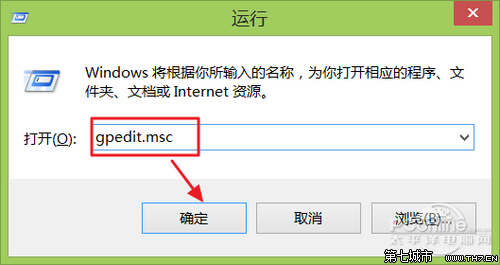
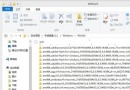
gpedit.msc
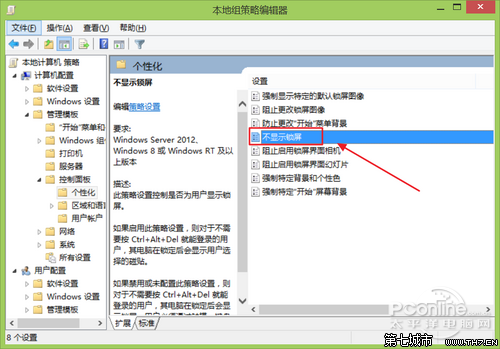
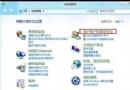
電腦設定 → 系統管理範本 → 控制台 → 個人化
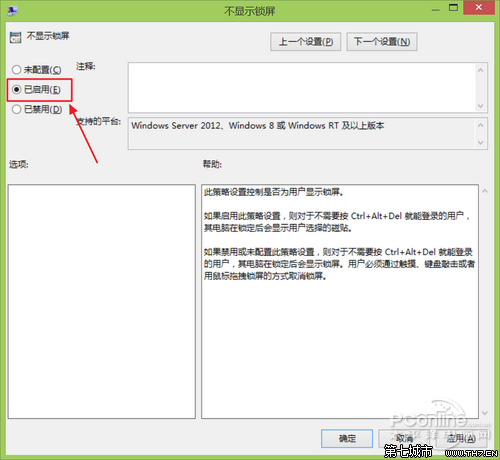
需恢復時將該原則改為「已停用」或「未設定」即可。
Win8.1 將公用網路改為專用網路,獨享專屬連線環境
微軟專家預測 Windows 8 十二大功能:Metro、ARM、商店、雲端、Ribbon、PDF、IE10、生物識別...
Windows 8 開始畫面自訂完整指南:磚貼移動、群組命名、縮放、固定/取消固定
Windows 8 安全性能提升详解:Defender 全能化、SmartScreen 双引擎、安全启动、ELAM 早期反恶意,或可免装第三方杀毒
Win8.1 工作列音量圖示不見了?兩階段設定找回小喇叭
Windows 8 查看 Metro 應用安裝位置與大小:電腦設定查大小、WindowsApps 資料夾權限查路徑、PowerShell 查完整資訊
Win 8.1 開啟「免打擾模式」(安靜時段)阻擋應用程式通知
Windows 8 電源計劃變更與進階設定教學