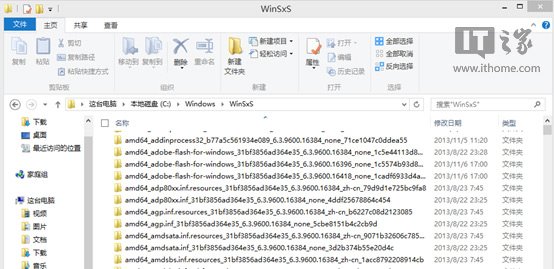
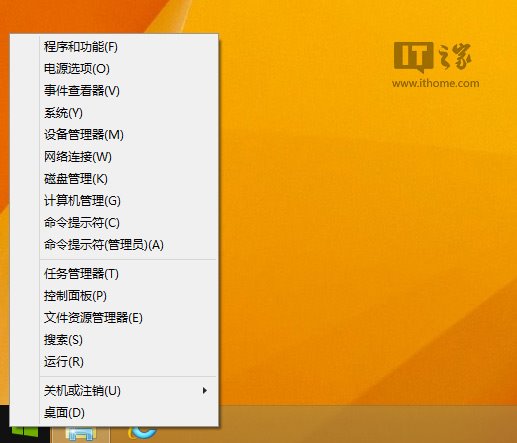
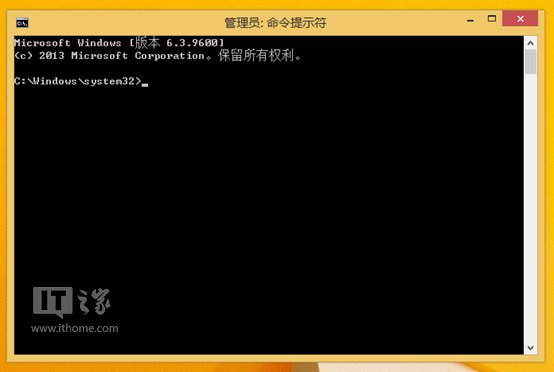
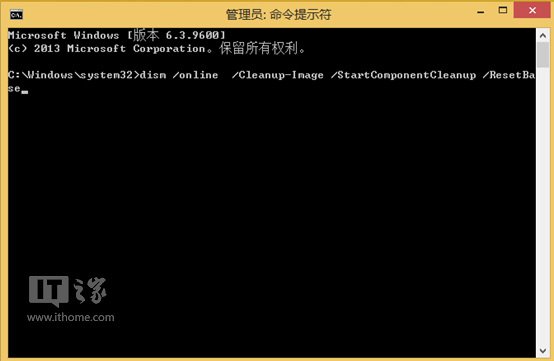
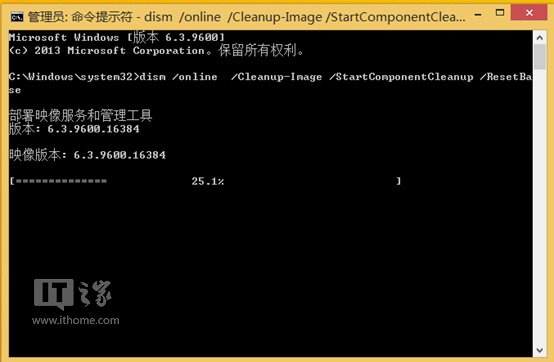
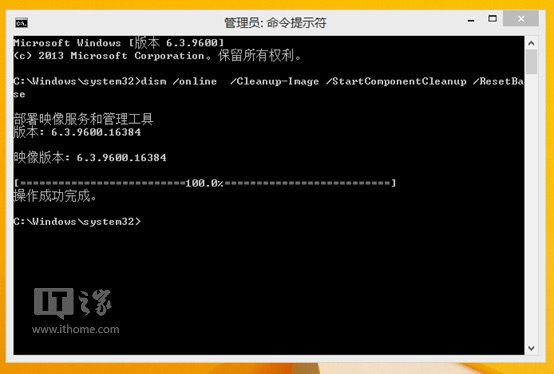
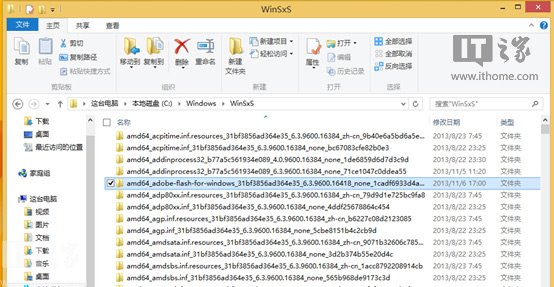
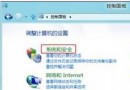
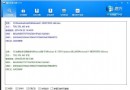
WinSxS 資料夾會累積每次更新的舊版元件,佔用大量空間。Win8.1 內建 DISM 指令可安全移除已取代的舊版,僅保留最新版。
dism /online /Cleanup-Image /StartComponentCleanup /ResetBase
同樣適用 Win8。執行後無法解除安裝已清理的更新,請確認系統穩定再執行。
Win 8.1 IE11 無法輸入網銀密碼?相容性檢視與安全控件修復全攻略
将 Windows 8 安装到 U 盘/移动硬盘实现便携系统:Windows To Go 前身实践、VHD 引导、BCD 编辑全流程
Windows 8 體驗方法大全:虛擬機、雙系統、VHD、USB 安裝全攻略
Windows 8 Metro 手寫輸入全新體驗:支援觸控與筆輸入,介面清爽現代
Win 8 IE10 如何安裝支付寶外掛 允許執行未簽署 ActiveX
Win 8 檔案拖曳至位址列快速移動/複製
Windows 8 設定多螢幕擴充顯示四步驟快速上手
Windows 8 藍畫面重開機排除:unexpected_kernel_mode_trap 錯誤