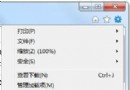
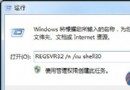
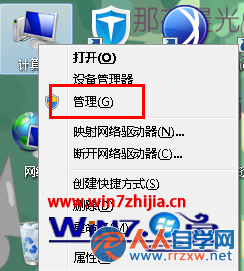
Windows 7 搜索索引功能強大,但索引檔 Windows.edb 及相關資料夾可能佔用數 GB 空間。若不使用搜索功能,可手動刪除以瘦身系統盤。
C:\ProgramData\Microsoft\Search\Data\Applications\Windows\Windows.edbC:\ProgramData\Microsoft\Search\Data\Applications\Windows\Projects\SystemIndex\Indexer\cifiles 資料夾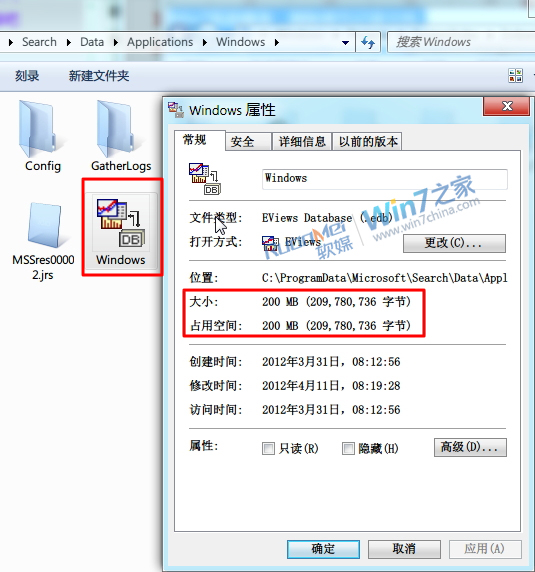
圖中 .edb 檔因安裝 Eviews 顯示其圖示,實為索引檔。
C:\ProgramData\Microsoft\Search\Data\ 目錄,重裝後還原可避免重建索引,提升效率。提醒: 常用搜索功能者請勿刪除,索引是搜索速度的關鍵。