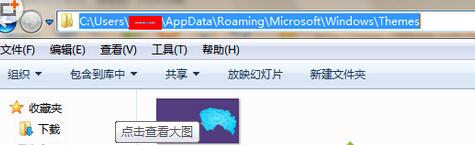
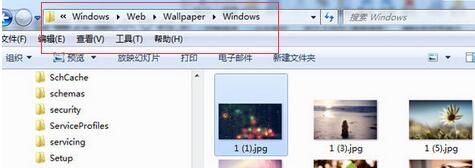
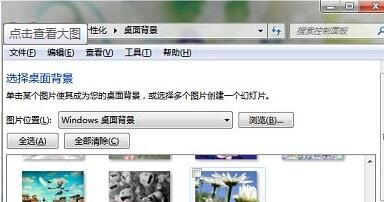
想找 Win7 內建桌布或目前使用的桌布檔案?以下是預設儲存路徑,方便備份或加入自訂圖片。
C:\Users\使用者名稱\AppData\Roaming\Microsoft\Windows\Themes
C:\Windows\Web\Wallpaper
Wallpaper
掌握這兩個路徑,管理桌布素材更方便。
去除桌面捷徑小箭頭:註冊表法與視覺技巧兩大招任你選
Win+Pause/Break:一鍵直達「系統屬性」,不用右鍵「我的電腦」找半天
Win7 C 槽空間不足?磁碟清理工具一鍵瘦身完整教學
電腦安裝 Win7/XP 雙系統完整教學:舊版先裝、新版後裝、啟動項管理
Win7 十大不可關閉服務詳細解析:防毒、DNS Client、網路連線、Plug and Play、列印佇列、RPC、工作站、NLA、DHCP Client、加密服務
Win7 系統內建優化大全:開關機加速、視覺效果調整、服務精簡、啟動項管理
Win7 IE 瀏覽器「未回應/停止運作」?重置 IE 設定一鍵修復
Win7 淘寶購物提示 Aliedit.dll 遺失解決方案:重新註冊與清理插件