IE 長期使用積累增益集/工具列/損壞設定導致當機。重置為預設值可解決 90% 未回應問題。
重置 IE 步驟
- 關閉所有 IE 視窗。
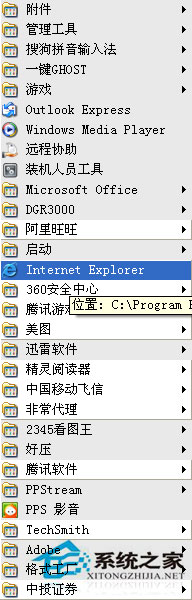
- 「開始」→「Internet Explorer」開啟新視窗。
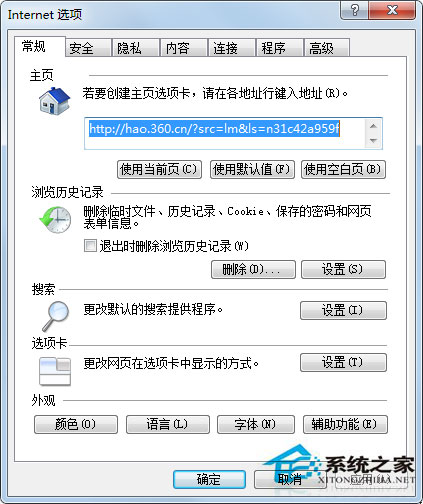
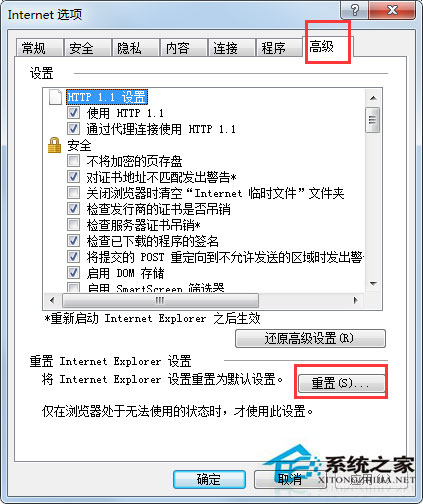
- 「工具」→「網際網路選項」→「進階」頁籤 →「重設」。
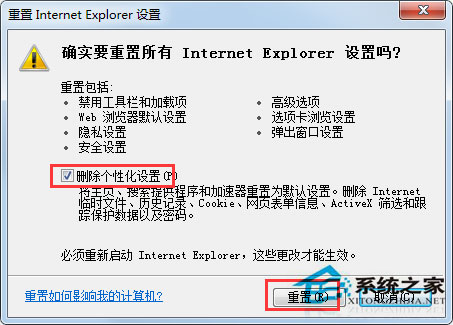
- 勾選「**刪除個人設定**」(含瀏覽記錄、密碼、表單資料、暫存檔、Cookie、ActiveX 篩選資料) →「重設」。
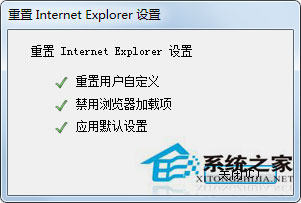
- 完成後「關閉」→「確定」→ 重新開啟 IE 生效。
補充建議
- 重置後需重新安裝必要增益集 (如 Adobe Flash Player 已淘汰、銀行網銀控件等)。
- 若重置無效,嘗試「系統檔案檢查器」:
sfc /scannow。
- Win7 建議改用 Chrome/Edge/Firefox 等現代瀏覽器,IE 僅保留相容舊版網銀/政府網站用途。
一鍵重置,IE 煥然新生。