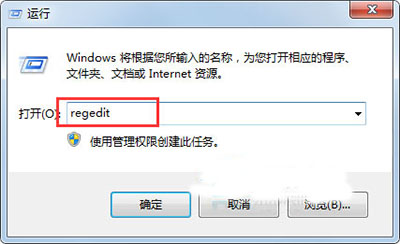
PDF 檔案誤關聯錯誤程式,導致所有 PDF 皆用錯誤程式開啟。
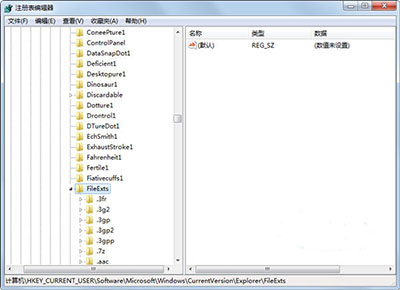
HKEY_CURRENT_USER\Software\Microsoft\Windows\CurrentVersion\Explorer\FileExts\.pdf
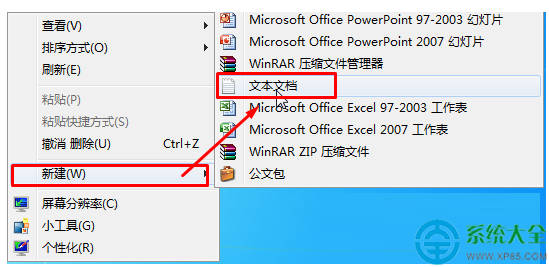
同樣適用於 `.jpg`、`.docx`、`.txt` 等副檔名,只需將路徑中的 `.pdf` 替換即可。
註:核心操作與 ID 92228 相同。
一體機清灰太難?建議送售後或找專業師傅,別強拆斷卡扣
Win7 工作列喇叭出現紅叉「音訊服務未啟動」?四種修復方案
Win7 Windows Update「目前無法檢查更新」完整修復:停止服務、清除快取、重啟服務三部曲
Windows 7 安裝虛擬機再跑一個 Windows 7:Hyper-V / Virtual PC 完整建置教學
Win7桌面图标随意摆放教程:显示系统图标+关闭自动排列两步搞定
玩《英雄聯盟》FPS低該換什麼硬體?顯卡升級首選推薦
Win7 防止桌面便箋誤刪:登錄設定啟用刪除確認提示
Win7 利用登錄刪除桌面「家庭群組」圖示:Desktop\NameSpace 鍵值移除法