企業級測試管理工具 Quantity Center (HP ALM/QC) 在 Win7 登入後無法下載客戶端元件?主因是 UAC 阻擋 ActiveX 安裝與 DEP (資料執行保護) 干擾。雙重關閉即可解決。
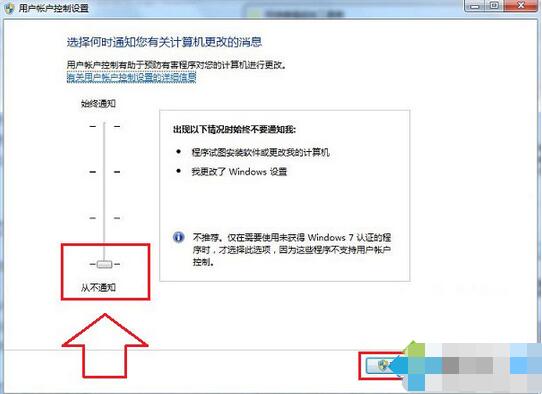
UAC → 開啟「變更使用者帳戶控制設定」→ 滑桿拉到最底 **「從不通知」** → 確定 → 重開機。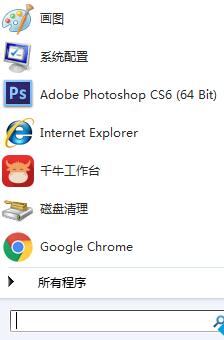
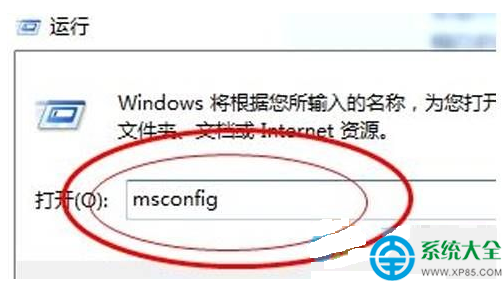
bcdedit /set {current} nx AlwaysOff → Enter → 重開機 (關閉 DEP)。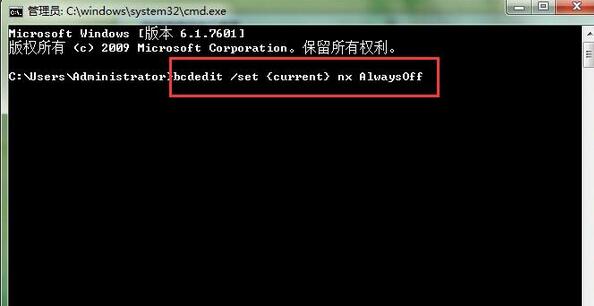
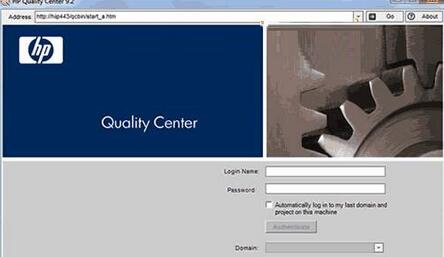
重開機後重新登入 Quantity Center,客戶端元件即可正常下載安裝。用畢建議恢復 UAC/DEP 保護系統安全。
Win7 藍屏錯誤代碼 0x00000019 完整排查指南:硬體、驅動、軟體、病毒多維度解決
Win7 藍屏代碼 0x00000023 解決方法?安全模式執行 CHKDSK /F 修復檔案系統
安卓手機能玩電腦 SWF (Flash) 遊戲嗎?模擬器/瀏覽器方案全解析
Win 8 去除桌面水印 (Build 版本字串) 十六進位修改 shell32.dll 法,適用 7955/7959 及後續 Beta
Win7 插入 USB 隨身碟顯示可用空間 0KB?使用 CMD 格式化為 FAT32 修復檔案系統
無光碟機安裝 Win7 系統:Ghost 映像檔解壓硬碟安裝器一鍵部署