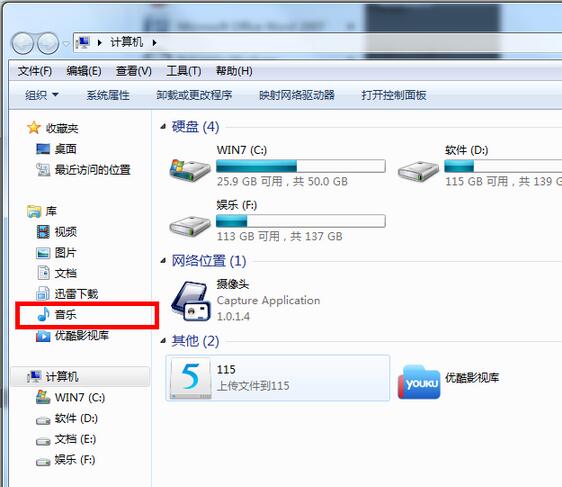
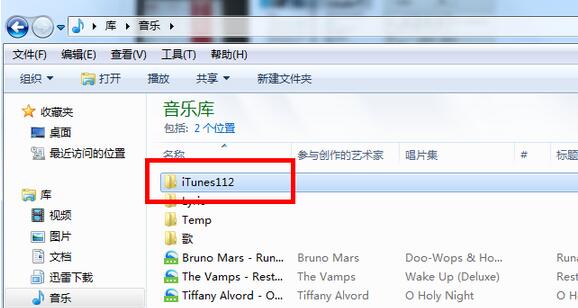
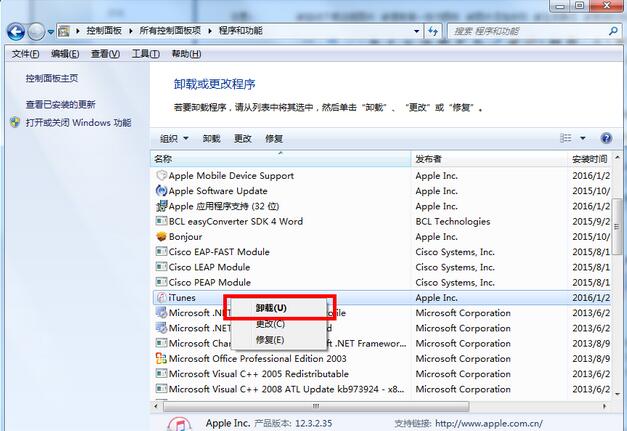
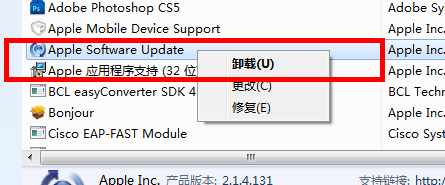
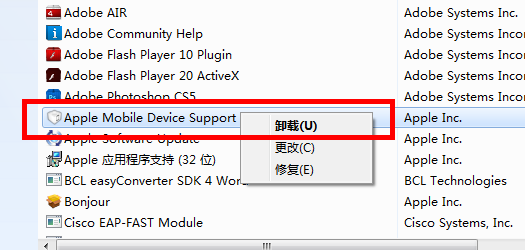
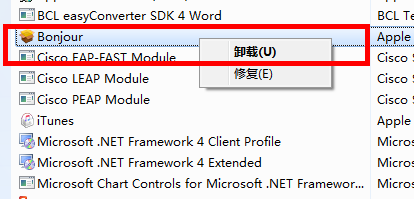
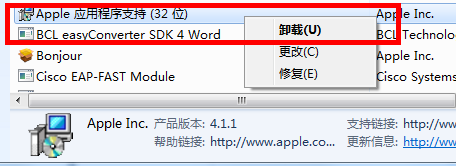
iTunes 解除安裝後常殘留服務、驅動、資料夾。徹底移除需**依序解除 5 組 Apple 元件**,並先備份/重命名資料庫資料夾防衝突。
iTunes
iTunes_Backup
完成後建議用 IObit Uninstaller/Geek Uninstaller 掃描殘留註冊表/檔案再清理一次,徹底無痕。
Win7 執行命令快捷鍵 Win+R 與開始選單顯示「執行」選項設定教學
Win7 安裝 .NET Framework 4.0 後藍屏?安全模式解除安裝、或更新顯卡驅動解決相容衝突
Win7 印表機安裝失敗?核心服務 Print Spooler 啟動教學與驅動安裝全攻略
1000 元預算想升級玩大型遊戲?現實檢核:錢不夠,建議攢錢換新
Win7 視窗邊框變難看像 XP/2000?啟用 Aero Peek 與透明玻璃效果恢復預設美觀
電腦關機後滑鼠燈號持續亮著?BIOS 設定關閉 USB 待機供電
Win7 資料夾無法刪除完整解決方案:四大實用技巧強力清除
Win7 快速開啟控制面板三大絕招:指令、快捷鍵、神奇資料夾