PS 中 Ctrl+C/V 文字無反應、或貼上變亂碼,常因「使用亞洲字型選項」與字型預覽快取衝突。關閉選項並清理快取即可恢復。
修復步驟
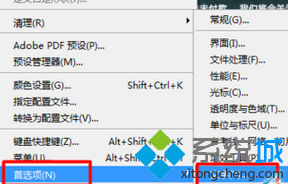
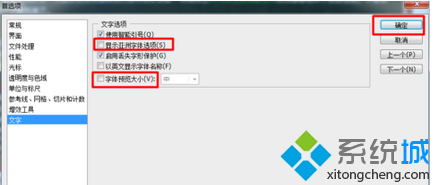
- PS 選單 →「編輯」→「偏好設定」→「文字」。
- 取消勾選 「使用亞洲字型選項」 與 「字型預覽」 →「確定」。
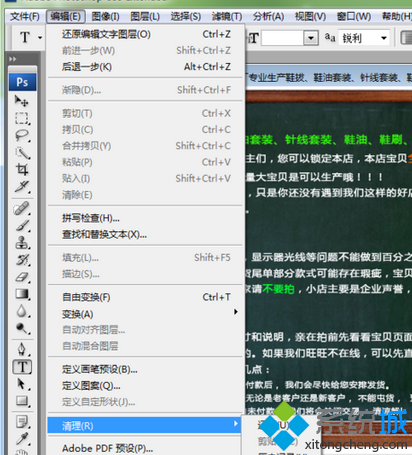
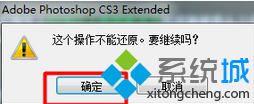
- 選單 →「編輯」→「清除」→「全部」→ 確定(清除 Undo/Clipboard/Histories/Video Frame 快取)。
- 重新啟動 PS 驗證。
延伸排查(若上述無效)
- 字型衝突:Font Book / NexusFont 檢查停用損壞字型、重複字型。
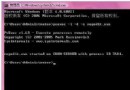
- 剪貼簿歷史衝突:Win10+ Win+V 清除歷史;Win7 可用
cmd /c echo off | clip 清空剪貼簿。
- 第三方輸入法干擾:暫時切換至微軟拼音/英文輸入法測試。
- PS 偏好設定重置:啟動 PS 時按住 Ctrl+Alt+Shift(Win)刪除設定檔。