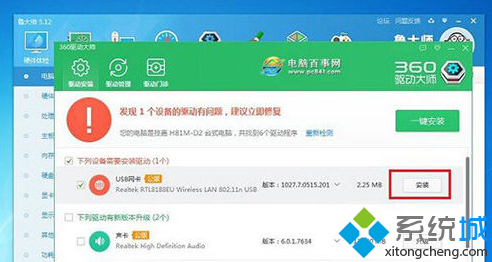
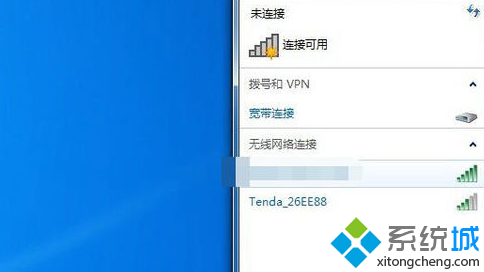
桌機通常無內建無線網卡,需外接 USB 無線網卡。若無光碟機,可使用驅動程式工具軟體(如驅動人生、360 驅動大師)自動下載安裝對應驅動。
若有隨附光碟,直接執行光碟內安裝程式更簡單。
无线路由器加密全攻略:WPA2-PSK 最强、WEP 仅作兼容、密钥更新周期设置、排障清单
Win7 桌面圖示位置調整後自動還原?重啟 explorer.exe 修復快取異常
Win7 隱藏桌面圖示文字(檔名)的技巧:使用空白字元重命名
Windows 7 網頁上傳圖示顯示紅叉怎麼辦?IE 可信任網站安全性設定調整
Win7系統更改工作組失敗?教你通過服務設置輕鬆解決
Win7 如何禁止使用者修改 IP 位址?群組原則啟用網路連線限制
Win7 安裝顯示卡驅動提示「NVIDIA 安裝程式失敗」?啟動 Windows Installer 服務後再安裝
Win7 如何停用 IPv6 協定以提升系統速度