雙擊檔案卻跳出「此檔案沒有關聯的程式可執行」,通常有兩種原因:電腦未安裝對應軟體,或 檔案關聯關係遺失。本文提供針對性解決方案。
情況一:缺少對應軟體
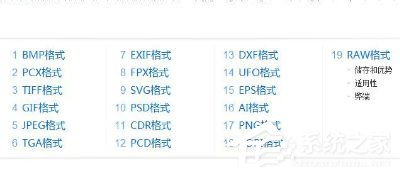
- 右鍵檔案 → 「內容」查看檔案類型(如 .rar、.psd、.dwg 等)。
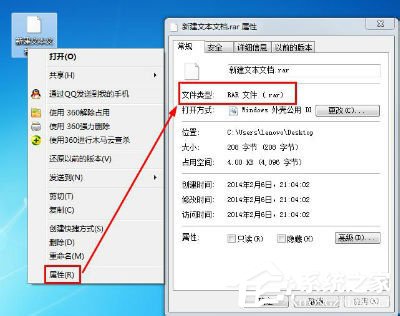
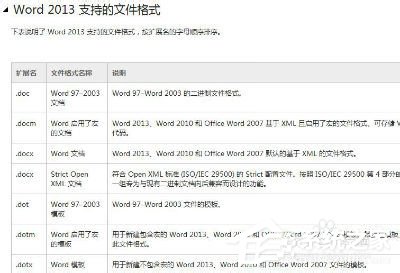
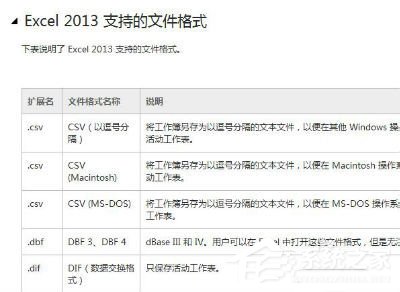
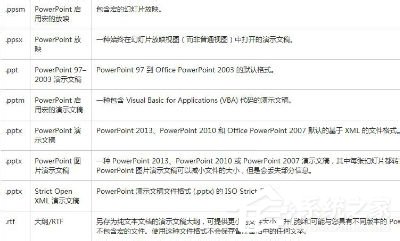
- 依副檔名搜尋對應軟體並安裝。常見對照表:
• 圖片:.jpg/.png/.bmp → Windows 相片檢視器 / Photoshop
• 文件:.doc/.xls/.ppt → Microsoft Office / WPS / LibreOffice
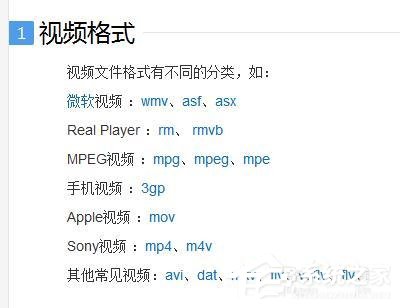
• 影片:.mp4/.mkv/.avi → PotPlayer / VLC / KMPlayer
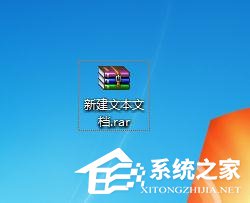
• 壓縮檔:.rar/.zip/.7z → WinRAR / 7-Zip / Bandizip
情況二:檔案關聯遺失(已裝軟體但無法開啟)
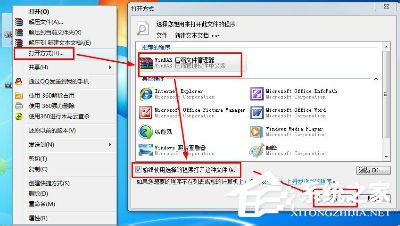
- 右鍵檔案 → 「開啟方式」→「選擇預設程式」→ 勾選「永遠使用選取的程式開啟這類檔案」→ 選擇目標程式 → 確定。
進階用戶亦可透過「控制台」→「預設程式」→「設定關聯」進行批量管理。