右鍵「新增」選單中遺失「BMP 影像」選項,可透過匯入登錄檔恢復關聯,快速建立新點陣圖檔案。
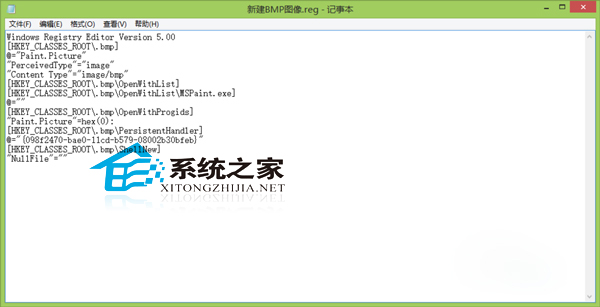
Windows Registry Editor Version 5.00

[HKEY_CLASSES_ROOT\.bmp]
@="Paint.Picture"
"PerceivedType"="image"
"Content Type"="image/bmp"

[HKEY_CLASSES_ROOT\.bmp\OpenWithList]

[HKEY_CLASSES_ROOT\.bmp\OpenWithList\MSPaint.exe]
@=""

[HKEY_CLASSES_ROOT\.bmp\OpenWithProgids]
"Paint.Picture"=hex(0):

[HKEY_CLASSES_ROOT\.bmp\PersistentHandler]
@="{098f2470-bae0-11cd-b579-08002b30bfeb}"

[HKEY_CLASSES_ROOT\.bmp\ShellNew]
"NullFile"=""
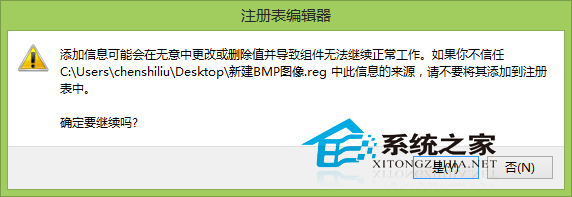
新增BMP影像.reg (編碼選 ANSI/UTF-8)。
同理可修復「新增文字文件」等遺失的右鍵選單項目。