Windows 7 內建剪貼板檢視器 (clipbrd.exe 於 XP 時代) 已移除,但可透過 CMD 指令 clip 實現剪貼板內容讀寫與管線操作,滿足基本需求。
操作步驟
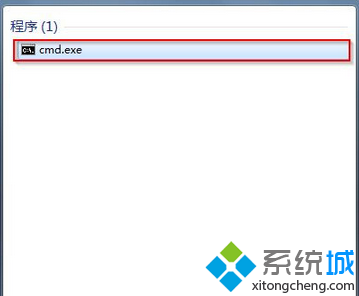
- Win 鍵搜尋
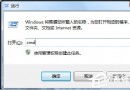
cmd → 開啟命令提示字元 (或 Win+R → cmd)。
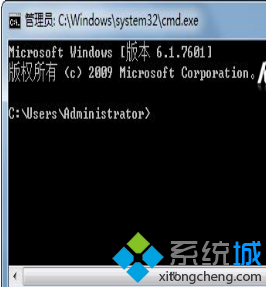
- 輸入
clip /? (注意 clip 與 / 之間有空格) → Enter,顯示使用說明。
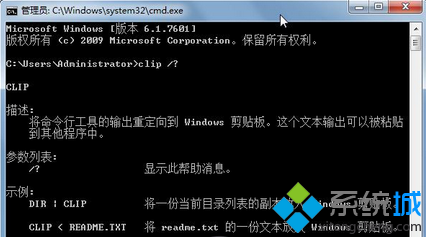
clip 指令實用範例
| 指令 | 功能 |
|---|
echo 文字內容 | clip | 將字串寫入剪貼板 |
type 檔案.txt | clip | 將檔案內容寫入剪貼板 |
dir | clip | 將目錄列表寫入剪貼板 |
ipconfig | clip | 將網路設定寫入剪貼板 |
進階:PowerShell 更強大的剪貼板操作
# 寫入
Set-Clipboard -Value "文字內容"
Get-Content 檔案.txt | Set-Clipboard

# 讀取
Get-Clipboard
第三方剪貼板增強工具 (推薦)
- Ditto:開源、免費、支援歷史記錄、搜尋、同步、熱鍵喚出。
- ClipX:輕量、經典、系統匣圖示快速存取歷史。
- Windows 10/11 內建:Win+V 雲端剪貼板歷史 (需登入 Microsoft 帳號)。
Win7 原生 clip 僅支援「寫入」,無圖形化介面與歷史記錄,日常重度使用建議搭配 Ditto 等工具。