方法一:清除剪貼簿/完成檔案操作
若剛從 USB 複製檔案,資料仍在剪貼簿待貼上狀態,會導致無法移除。請先在任意資料夾貼上(Ctrl + V)或重新複製其他文字清空剪貼簿,再嘗試移除。
方法二:結束 rundll32.exe 程序
- Ctrl + Shift + Esc 開啟工作管理器。
- 找到
rundll32.exe → 右鍵「結束工作」→ 確認。
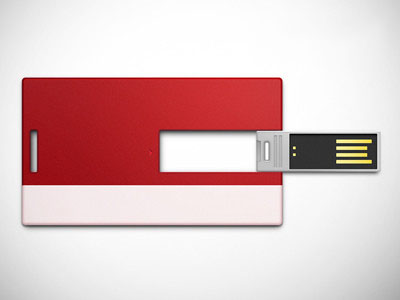
- 再次嘗試安全移除 USB。
方法三:重啟 Explorer.exe
- 工作管理器結束
explorer.exe。
- 「檔案」→「執行新工作」→ 輸入
explorer.exe → 確定。
方法四:登出/重開機(終極解)
若以上皆無效,登出目前使用者或重新啟動電腦,USB 即可安全拔除。
預防建議
- 複製檔案後等待燈號停止閃爍再移除。
- 避免在 USB 直接開啟檔案編輯,建議複製到本機編輯完再複製回去。