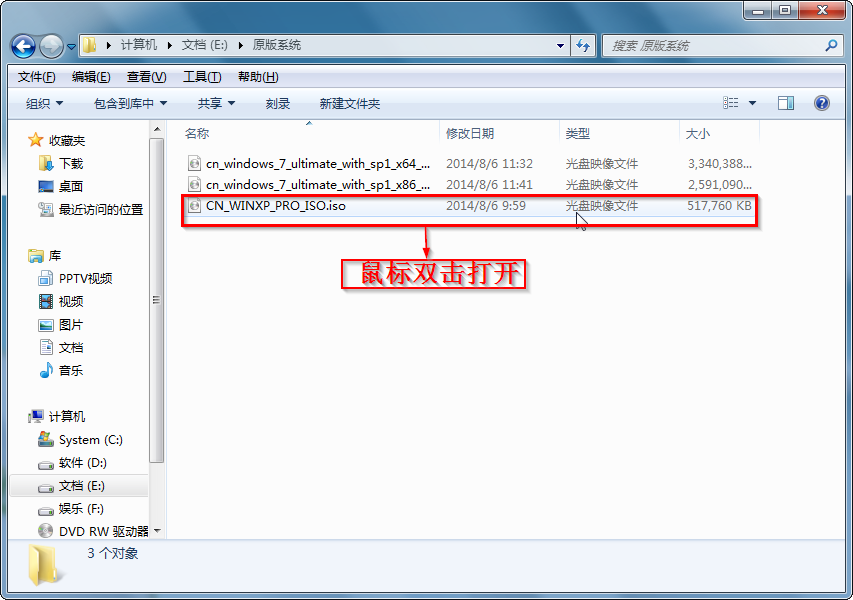
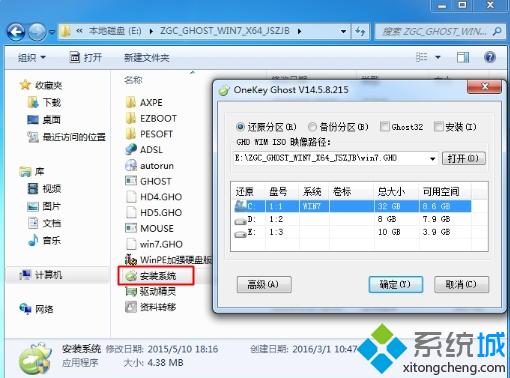
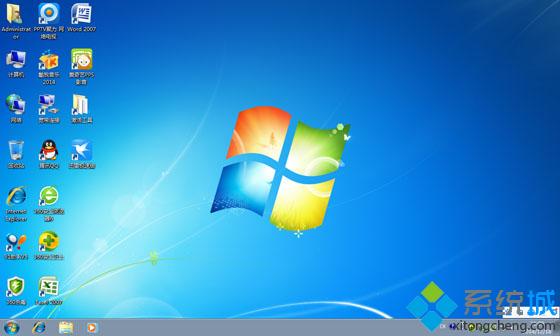
下載 Win7 系統映像檔(通常為 .iso 或 .gho),用 OneKey Ghost 硬碟安裝最快捷:
安裝系統.exe(OneKey Ghost 主程式)。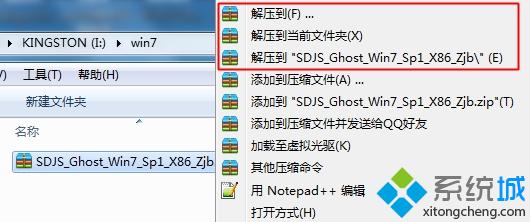
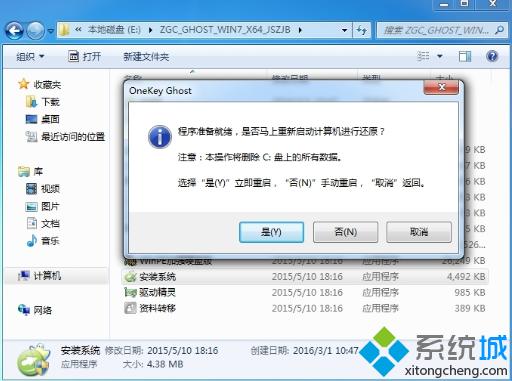
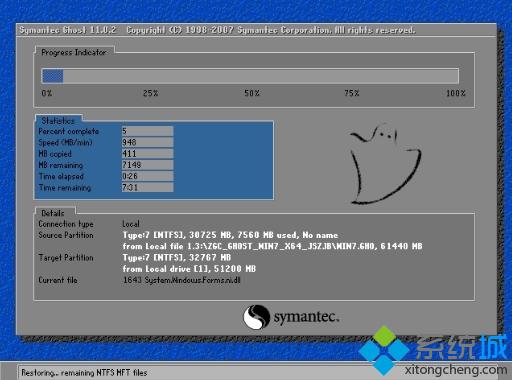
關鍵注意事項:
Win7蓝屏错误代码BlueScreen 0x1000007e排查全攻略:8大基础排查法+WinDbg转储分析+真实案例hpmobiledisk.sys
Win7 系統使用印表機掃描功能完整教學:從放原稿到儲存檔案
Win7 家用版關閉 IE「安全性設定檢查」提示?匯入註冊表一鍵關閉
Win7 應用程式無法正常啟動(0xc000007b 等錯誤)?三大解決方案完整攻略
Win7 變更印表機緩衝資料夾位置:避免 C 槽空間不足導致列印卡頓
Win7雙螢幕設定完整教學:擴充、複製、單顯示三種模式切換與任務列管理
右键菜单臃肿难用?四招清理:ShellNew重命名、WinRAR折叠二级、ContextMenuHandlers删残留、显卡驱动菜单移除