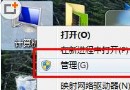
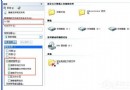
IE 每次開啟都彈出「安全性設定檢查」好煩?Win7 家用版無群組原則編輯器,透過匯入註冊表檔即可永久關閉此提示。
Windows Registry Editor Version 5.00
[HKEY_CURRENT_USER\Software\Microsoft\Windows\CurrentVersion\Group Policy Objects\{C2D0B7D4-7CC5-40A6-AC4C-A25BA2637B18}\Machine\Software\Policies\Microsoft\Internet Explorer\Security]
"DisableSecuritySettingsCheck"=dword:00000001
[HKEY_LOCAL_MACHINE\SOFTWARE\Policies\Microsoft\Internet Explorer\Security]
"DisableSecuritySettingsCheck"=dword:00000001
[HKEY_LOCAL_MACHINE\SOFTWARE\Microsoft\Windows\CurrentVersion\Policies\Ext]
"NoFirstTimePrompt"=dword:00000001
[HKEY_CURRENT_USER\Software\Microsoft\Windows\CurrentVersion\Group Policy Objects\{C2D0B7D4-7CC5-40A6-AC4C-A25BA2637B18}\Machine\Software\Microsoft\Windows\CurrentVersion\Policies\Ext]
"NoFirstTimePrompt"=dword:00000001
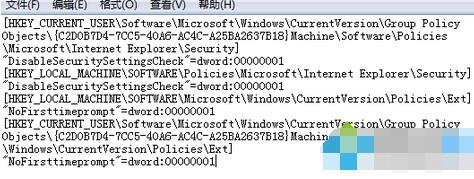
DisableIECheck.reg(類型選「所有檔案」)。
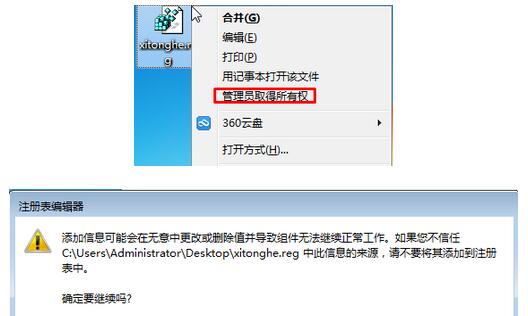
重開 IE,安全性設定檢查提示即消失。原理:註冊表模擬群組原則強制關閉檢查功能。