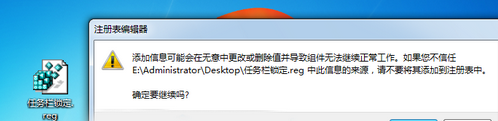
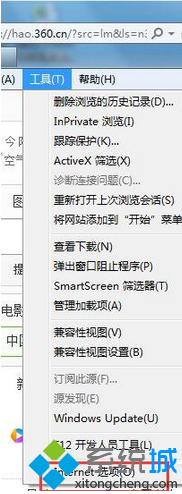
Windows 7 桌面圖示文字標籤背景出現白色方塊(非透明),是因為圖示快取檔 IconCache.db 損壞。透過命令提示字元刪除快取並重新啟動總管即可修復。
cmd → Enter 開啟命令提示字元。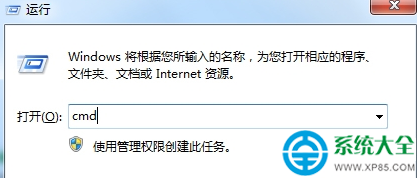
taskkill /im explorer.exe /fcd /d %userprofile%\AppData\Localdel IconCache.db /astart explorer.exeexit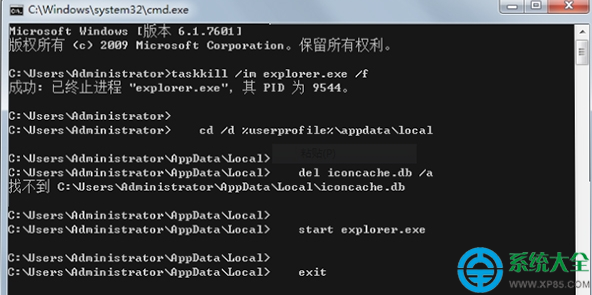
taskkill /im explorer.exe /f:強制結束 Windows 資源管理器進程。cd /d %userprofile%\AppData\Local:切換到使用者本地應用程式資料資料夾。del IconCache.db /a:刪除損壞的圖示快取資料庫(含隱藏/系統屬性)。start explorer.exe:重新啟動資源管理器,系統自動重建乾淨的 IconCache.db。替代方案:若不想用指令,可下載第三方工具(如 IconCacheRebuilder、Winaero Tweaker)一鍵重建圖示快取。