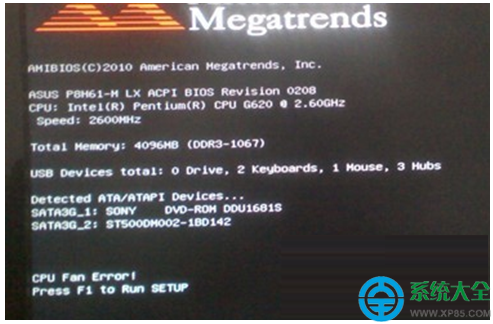
Windows 7 開機出現錯誤代碼 0xc000000e(「無法載入開機設定資料」),表示 BCD (Boot Configuration Data) 引導設定資料遺失或損毀。透過大白菜/老毛桃等 WinPE 工具,在命令提示字元執行 bcdedit 指令重建引導記錄即可修復。
步驟 1:進入 WinPE 環境
使用大白菜/老毛桃 USB 開機隨身碟啟動電腦,選擇進入 WinPE 桌面。
步驟 2:開啟命令提示字元執行修復指令
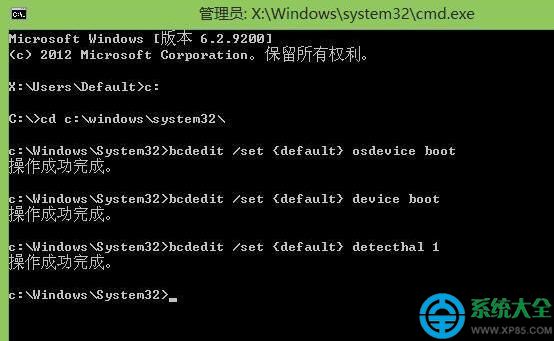
在 PE 環境中開啟 CMD(以系統管理員身分),依序輸入以下 5 條指令(每行按 Enter):
c:
cd windows\system32
bcdedit /set {default} osdevice boot
bcdedit /set {default} device boot
bcdedit /set {default} detecthal 1
步驟 3:重新開機驗證
移除 USB,重新開機,Windows 7 應可正常進入開機流程。
指令說明:
osdevice boot / device boot:將作業系統裝置與系統裝置設為「boot」(自動偵測啟動分區)。detecthal 1:啟用硬體抽象層 (HAL) 自動偵測,解決硬體變更導致的啟動失敗。替代方案:若有 Windows 7 安裝光碟,可選「修復電腦」→「命令提示字元」執行相同指令,或使用「啟動修復」自動嘗試修復。