Windows 7 「工作排程器」無法開啟、顯示錯誤,通常是核心服務 Task Scheduler 被停用,或相依服務未啟動。透過服務管理員啟用即可恢復。
修復步驟
- 「開始」→「控制台」→「系統管理工具」→「服務」。
- 在服務清單中找到 Task Scheduler,雙擊開啟屬性。
- 將「啟動類型」改為 「自動」,若服務狀態為「已停止」請點擊「啟動」。
- 點擊「確定」。
- 同步檢查 Remote Procedure Call (RPC)、Windows Event Log 等相依服務是否皆為「自動」且「已啟動」。
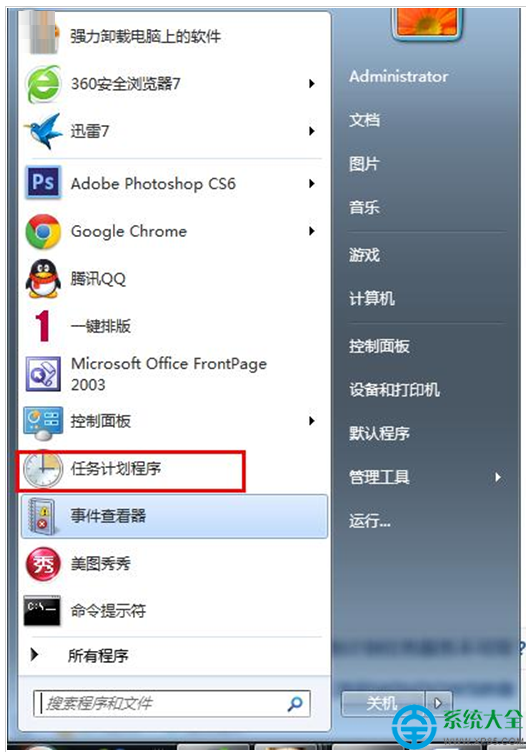
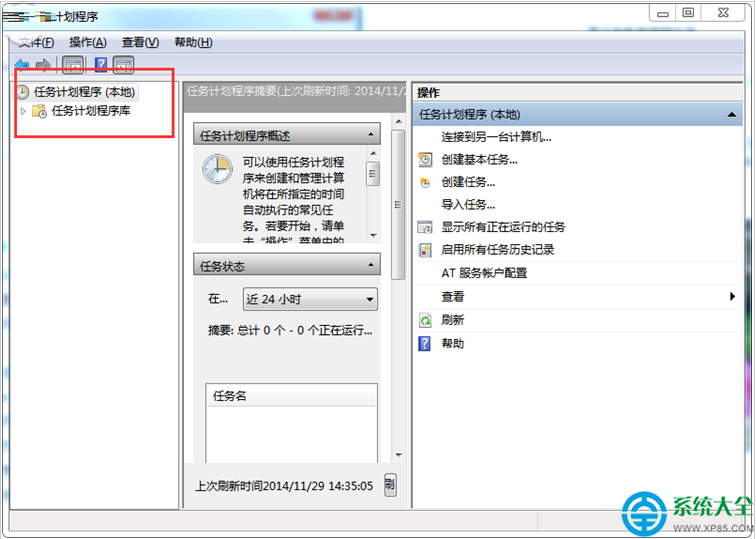
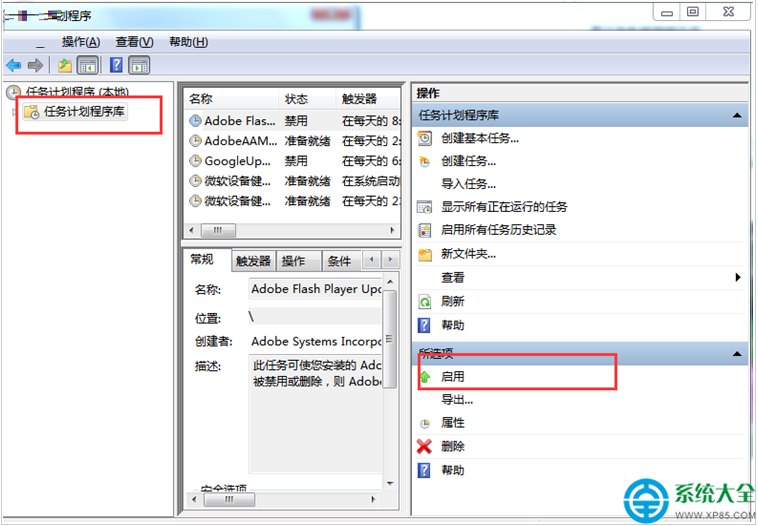
設定完成後,重新開啟「工作排程器」應可正常運作。若仍失敗,請以管理員身分執行 sfc /scannow 修復系統檔案。