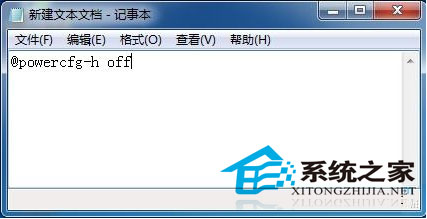
休眠模式保留工作狀態且啟動快,但每次開關需多步操作。建立兩個 .bat 檔一鍵切換。
@powercfg -h off
@powercfg -h on
.bat
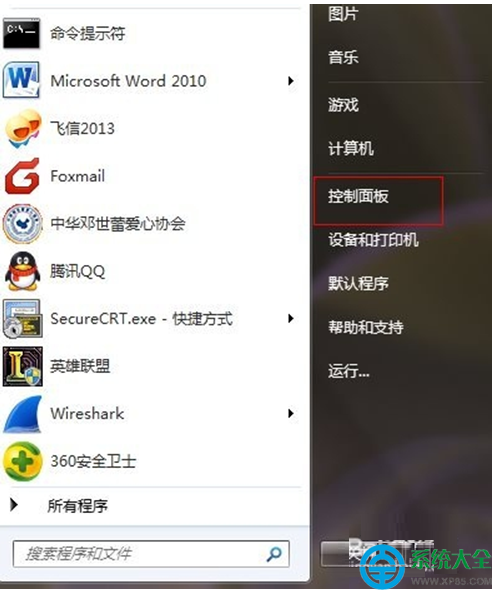
桌面雙擊對應 .bat 即可瞬間開啟/關閉休眠,無需進控制台多層選單。
Win7 環境下 CorelDRAW X7 運作卡頓?五大加速優化技巧一次掌握
CMD 指令實現倒數關機與快速關機批次檔製作教學
Win7 任務欄輸入法/小鍵盤圖示不見了?啟用語言列圖示找回教程
長時間使用電腦身體不適?人體工學、視力保護與生活平衡建議
Windows 7 效能優化全攻略:硬體需求、記憶體管理與登錄檔維護
筆電光碟機被紙卡住?強制彈出小孔與拆解取出教學
Win7 關閉 445 連接埠防勒索病毒攻擊:IPsec 原則完整設定圖解
Win7 如何開啟內建 Administrator 超級管理員帳號?