Win7 常彈出「互動式服務偵測」視窗要求回應,干擾操作。停用對應服務即可永久解決。
操作步驟
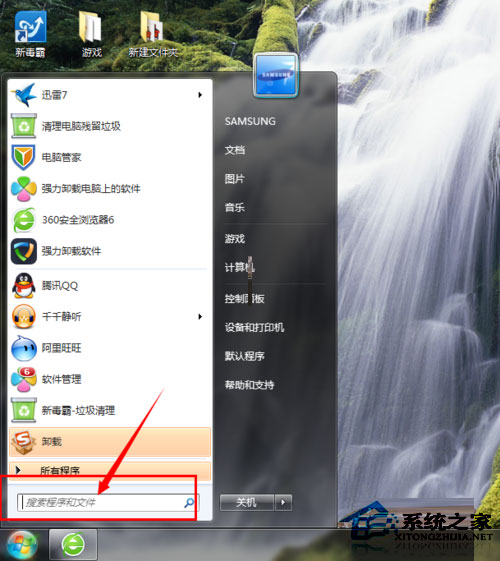
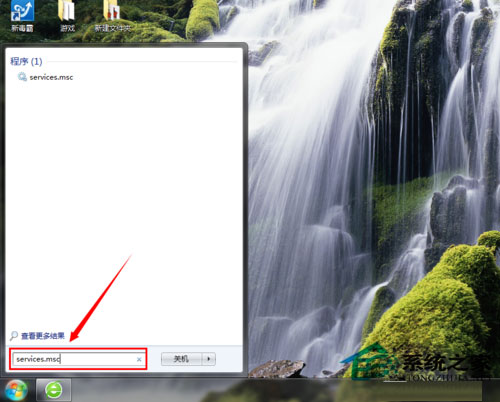
- Win+R →
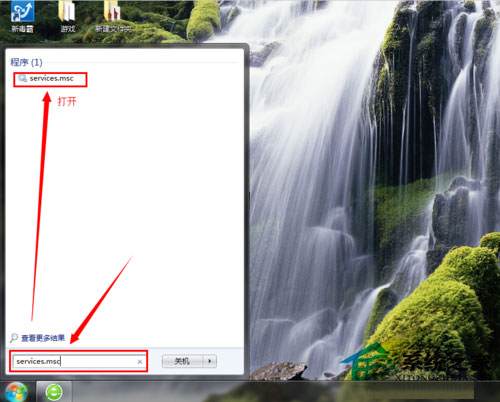
services.msc → Enter。
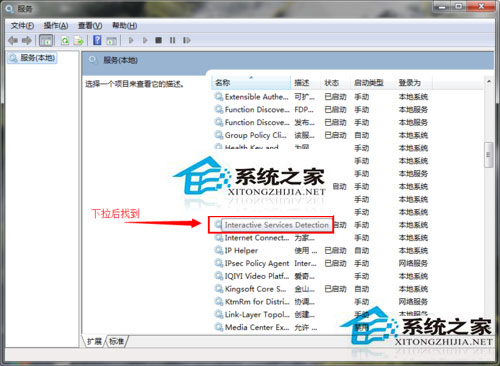
- 尋找「**Interactive Services Detection**」→ 右鍵「內容」。
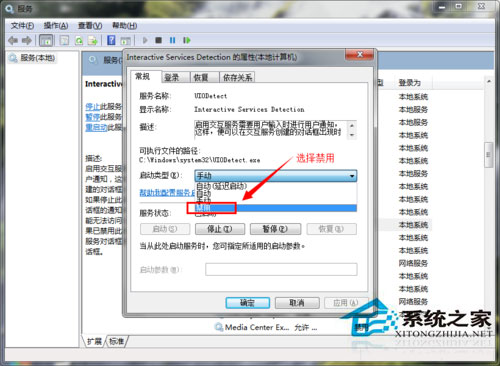
- 「啟動類型」改為「**停用**」→「確定」。
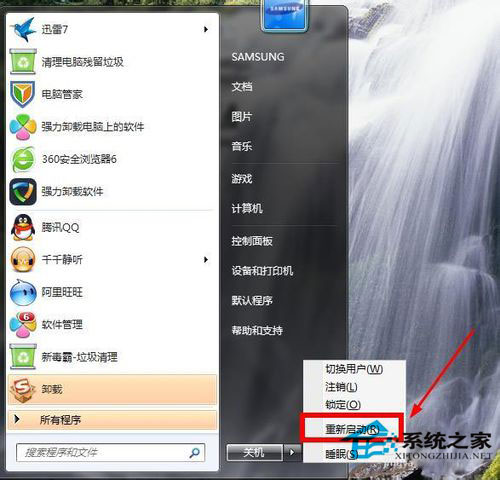
- 重新開機生效。
補充說明
- 此服務用於舊版應用程式與使用者桌面互動 (如服務彈出視窗),現代應用極少使用。
- 停用後不影響系統正常運作,若特定舊軟體需互動可暫時改為「手動」啟動。
一勾選即可徹底消除干擾彈窗。