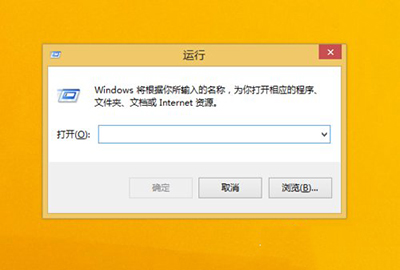
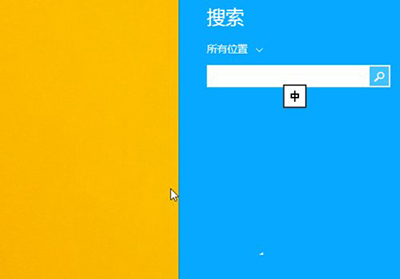
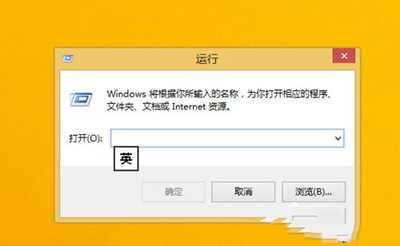
Windows 8.1 移除了傳統開始功能表,「執行」對話框仍可透過兩種方式快速開啟。
適用範圍:Win + R 於 Windows 95 至 Windows 11 所有版本通用,建議養成肌肉記憶。
Win7 回收站打不開?透過隱藏資料夾 $Recycle.Bin 直接存取還原檔案
Win7 裝置管理員無網路介面卡?安裝驅動或檢查硬體/BIOS 設定恢復網卡
Win7 滑鼠右鍵選單過長卡頓?清理 SendTo 資料夾 + 右鍵管家徹底精簡
開機卡住、任務欄不全、鼠標能動卻點不開?重裝系統/修復引導/查硬盤
Hosts文件位置在哪?手把手教你修改Hosts文件完整圖文教程
Win7關閉「Windows 錯誤修復」開機選單:系統屬性法與 BCDEdit 指令法雙重保險
Win7 音訊被停用?檢查硬體連接、更新驅動程式完整排查
Win7 硬碟指示燈常亮不熄滅?三大原因與對應解決方案