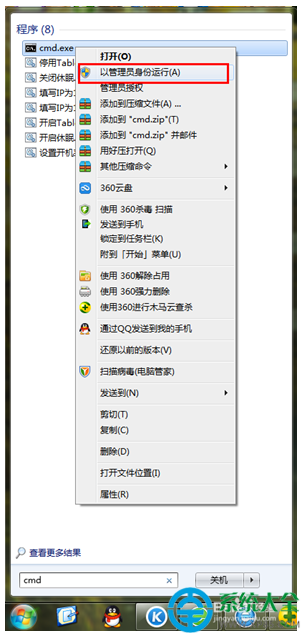
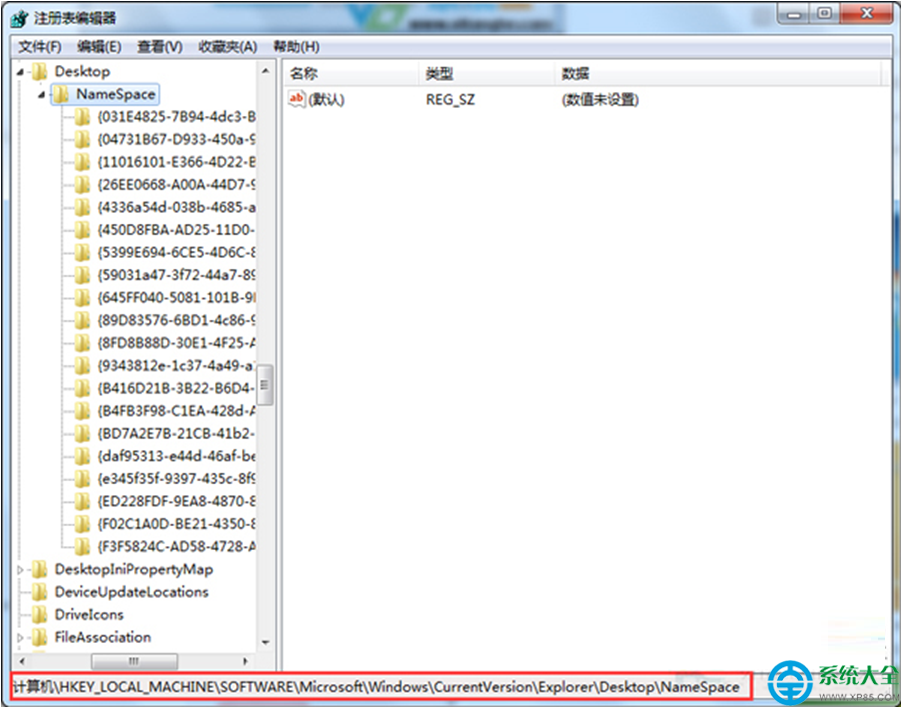
點擊工作列資料夾圖示或 Win+E 卻跳出「該檔案沒有與之關聯的程式來執行該作業」,總管無法啟動。此為總管啟動參數錯誤或檔案關聯損毀。本文提供三種修復方案,由簡入繁,通常前兩法即可解決。
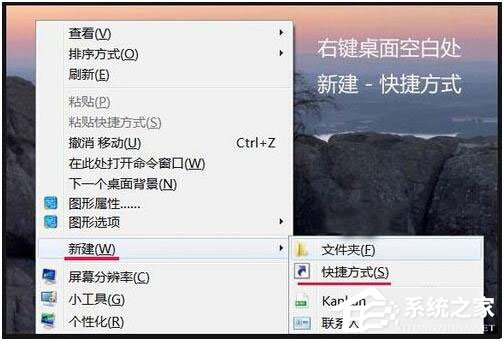
%SystemRoot%\explorer.exe /e,::{20D04FE0-3AEA-1069-A2D8-08002B30309D}%SystemRoot%\explorer.exe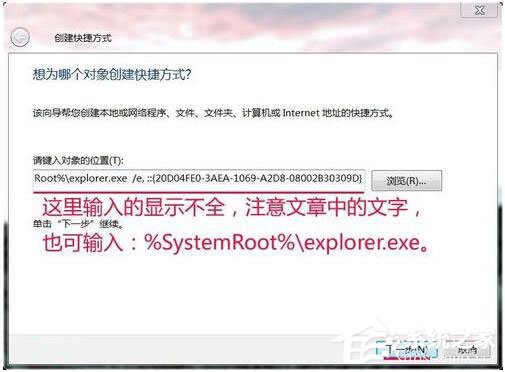
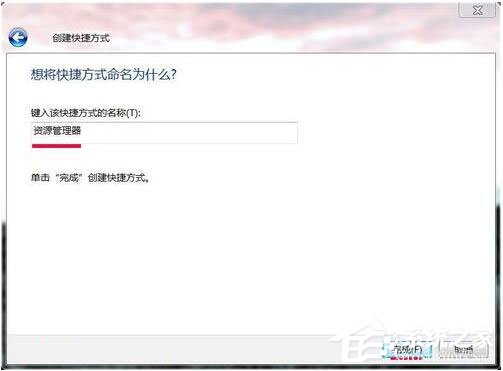

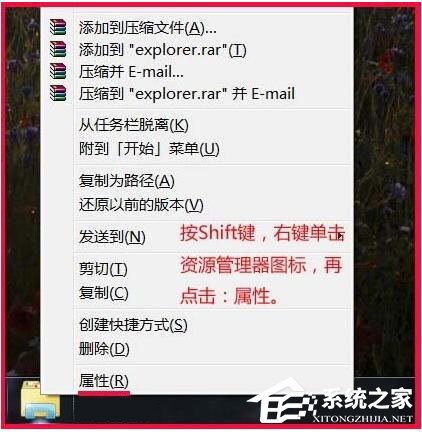
%SystemRoot%\explorer.exe →「確定」。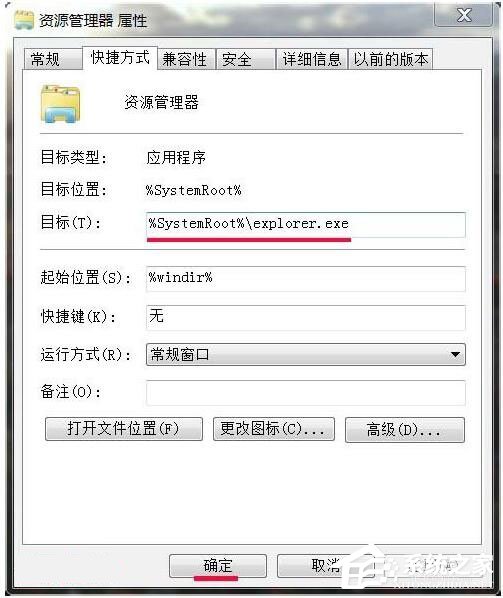
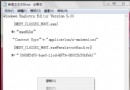
修復總管.reg(編碼選 ANSI/UTF-8):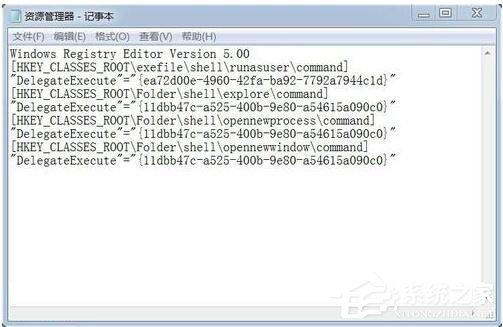
Windows Registry Editor Version 5.00

[HKEY_CLASSES_ROOT\exefile\shell\runasuser\command]
"DelegateExecute"="{ea72d00e-4960-42fa-ba92-7792a7944c1d}"

[HKEY_CLASSES_ROOT\Folder\shell\explore\command]
"DelegateExecute"="{11dbb47c-a525-400b-9e80-a54615a090c0}"

[HKEY_CLASSES_ROOT\Folder\shell\opennewprocess\command]
"DelegateExecute"="{11dbb47c-a525-400b-9e80-a54615a090c0}"

[HKEY_CLASSES_ROOT\Folder\shell\opennewwindow\command]
"DelegateExecute"="{11dbb47c-a525-400b-9e80-a54615a090c0}"
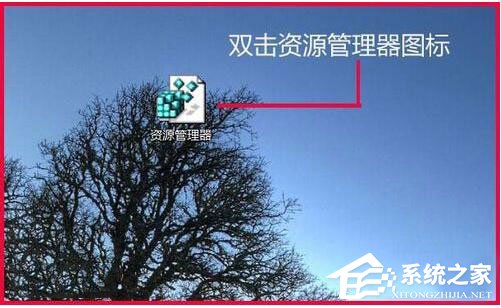


Win7 總管無法開啟多為啟動參數遺失或關聯損毀。建立新捷徑(法一)或修正目標路徑(法二)通常即刻解決;註冊表修復(法三)為終極手段。操作前建議建立還原點,以防萬一。