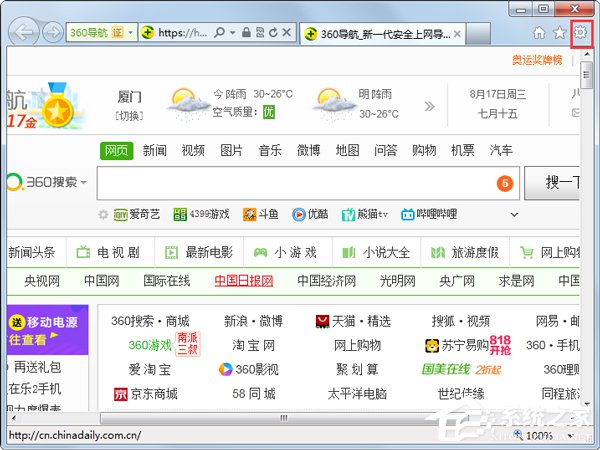
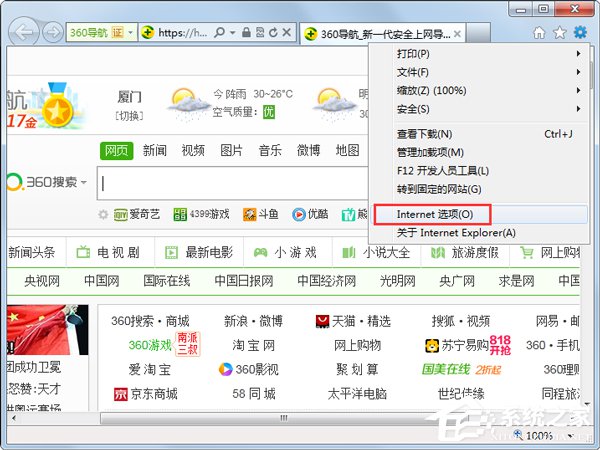
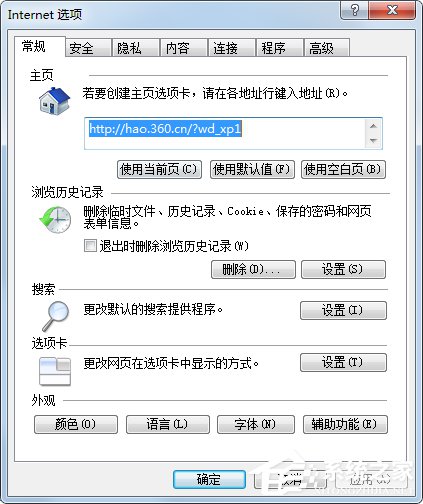
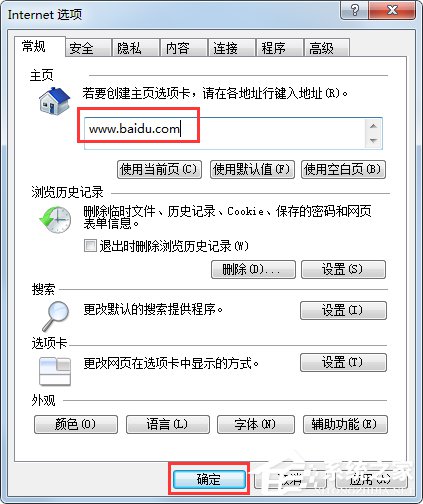
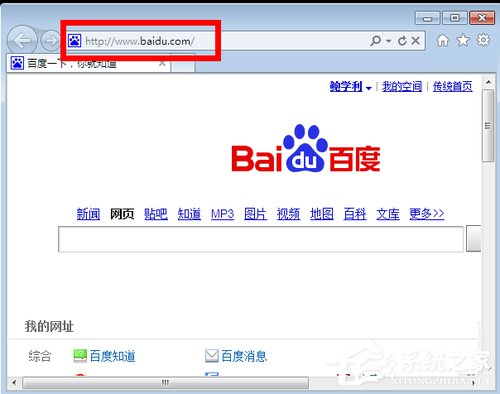
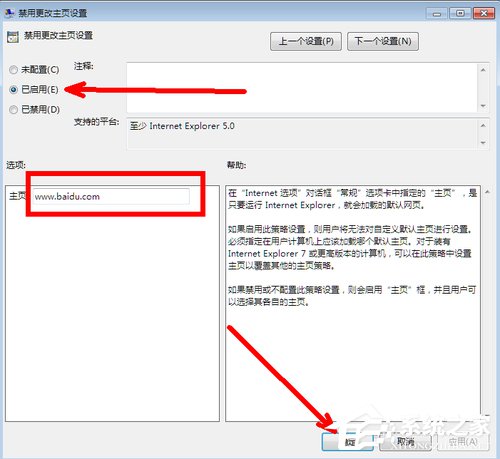
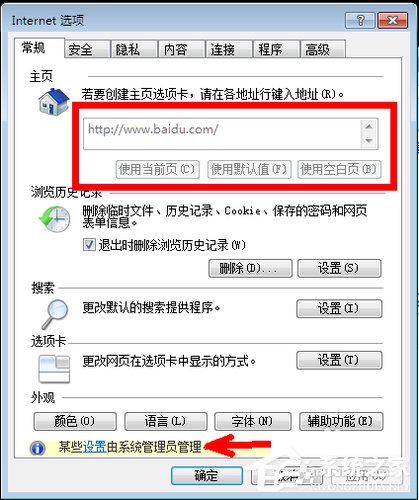
IE 首頁屢改屢被竄改,手動修改治標不治本。本文教你透過群組原則 gpedit.msc 啟用「停用變更首頁設定」,並指定固定首頁網址,徹底杜絕惡意軟體、工具列竄改首頁。
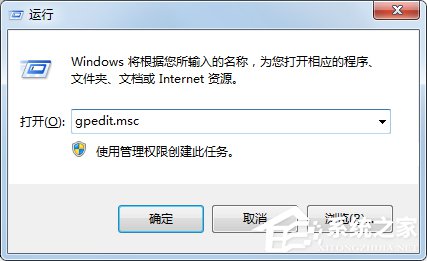
gpedit.msc
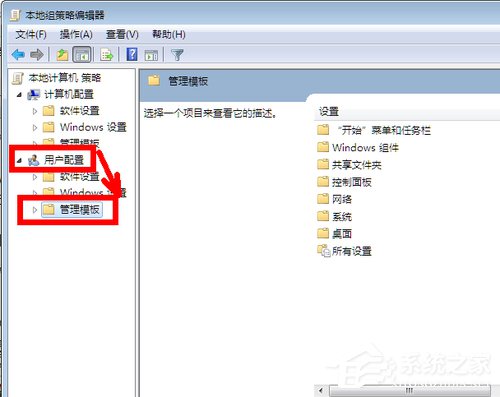
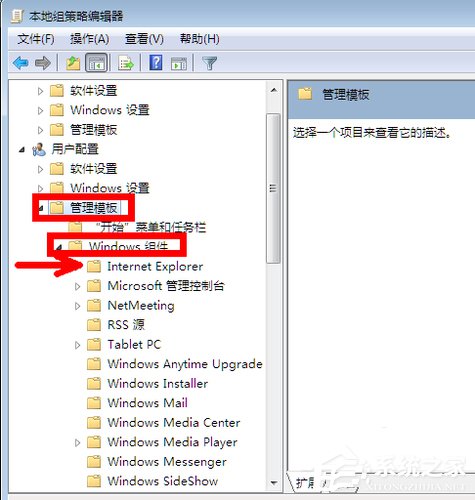
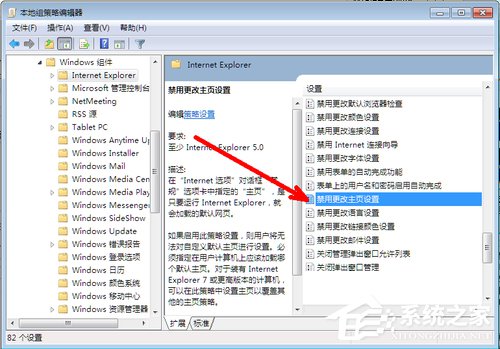
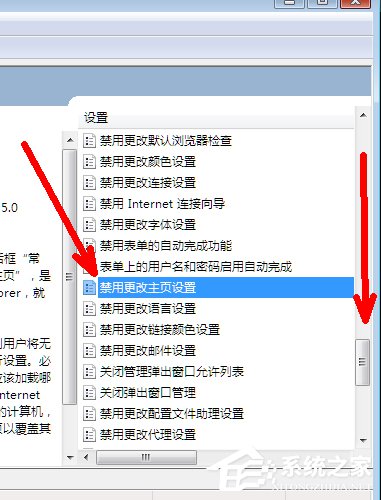
使用者設定 → 系統管理範本 → Windows 元件 → Internet Explorer
若需解除鎖定,回到同一設定選「未設定」或「已停用」即可。此法僅對 IE 生效,Chrome/Edge 需另行透過原則或擴充功能管理。
Win7系統建立無線臨時網路(Ad-hoc)完整圖文教程
Win7 任務列恢復預設設定完整教程
Win7 安裝出現錯誤 0x800700B7?授權 SYSTEM 完整控制 Temp 資料夾權限即可解決
Win7 32 位元無法下載 4GB 以上大檔?將檔案系統轉換為 NTFS 破解限制
Win7 筆電變身無線路由器:虛擬 WiFi 熱點完整設定
Win7 绝对不能关闭的 10 大系统服务:杀毒、DNS、网络连接、PlugPlay、打印后台、RPC... 关了系统必崩
Win7 安裝 Flash Player 提示「無法註冊 ActiveX 控制項」?重置 IE 設定與清理殘留徹底修復
Win7 永久關閉彈窗廣告:騰訊電腦管家「攔截彈窗」功能完整設定教學