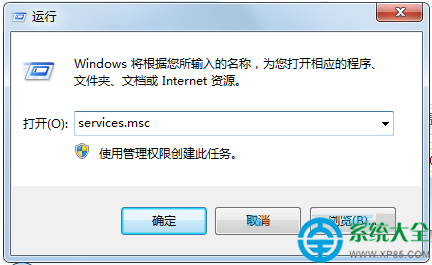
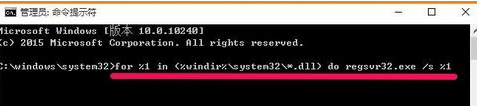
執行軟體彈出「360se.exe - 損壞的映像」,提示 DLL 未指定在 Windows 上執行或含有錯誤。這通常是系統 DLL 註冊資訊損壞。以管理員身分執行 CMD,跑 for %1 in (%windir%\system32\*.dll) do regsvr32.exe /s %1 批次註冊 system32 所有 DLL,可修復多數映像損壞問題。
cmd → Ctrl+Shift+Enter (管理員模式)。for %1 in (%windir%\system32\*.dll) do regsvr32.exe /s %1 → Enter。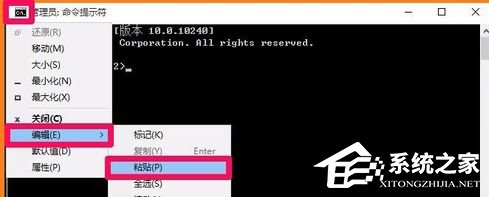
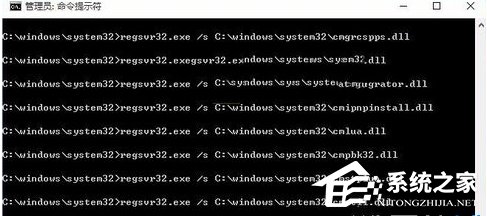
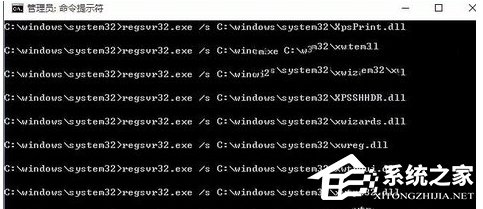
原理:regsvr32 /s 靜默註冊 DLL 伺服器項目,修復註冊表中 CLSID/TypeLib/Interface 等鍵值損壞。若無效,建議 sfc /scannow 修復系統檔或重裝相關軟體。