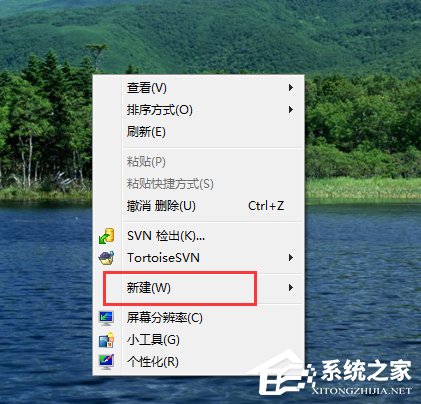
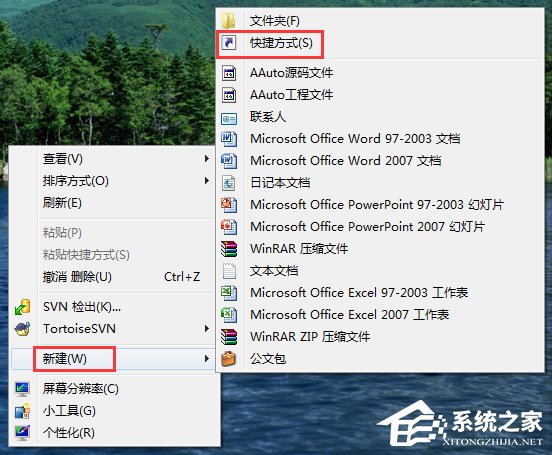
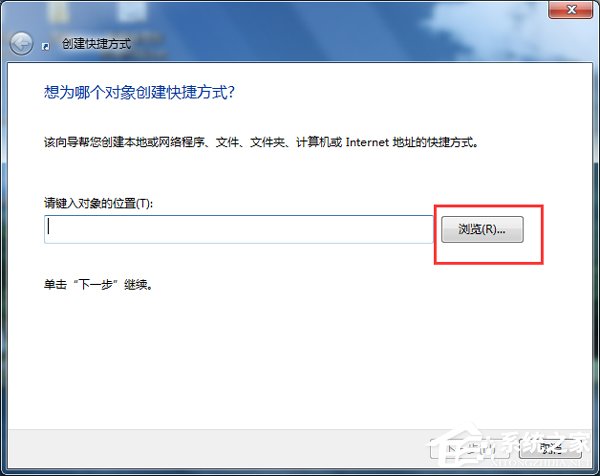
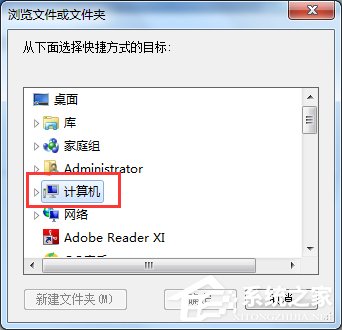
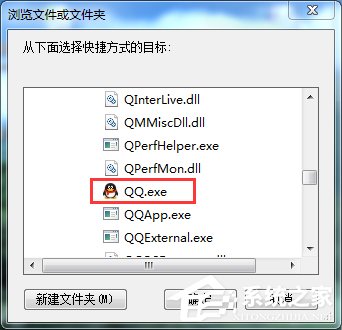
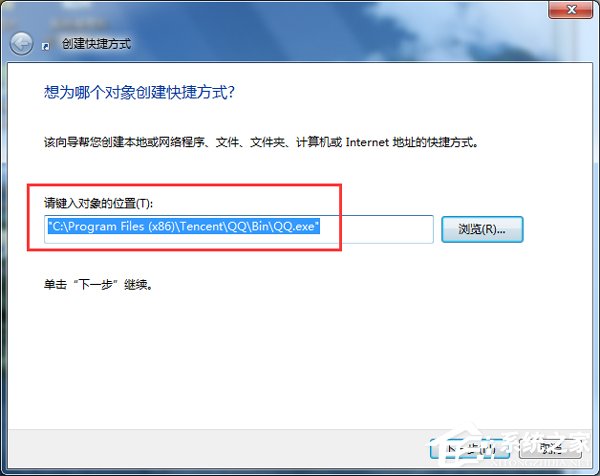
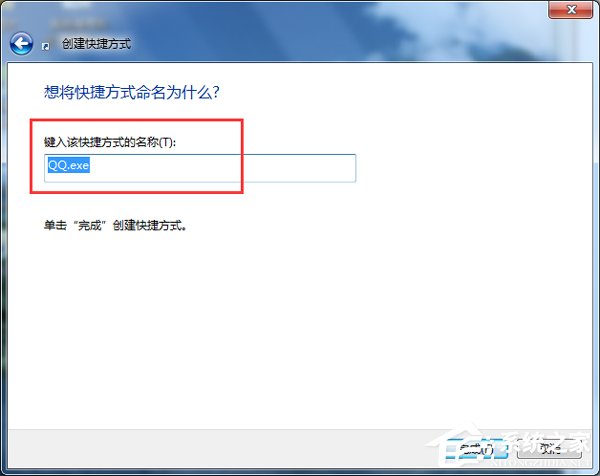
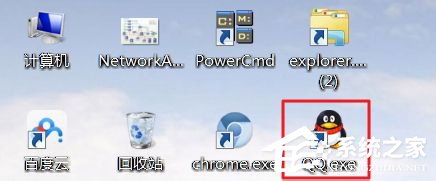
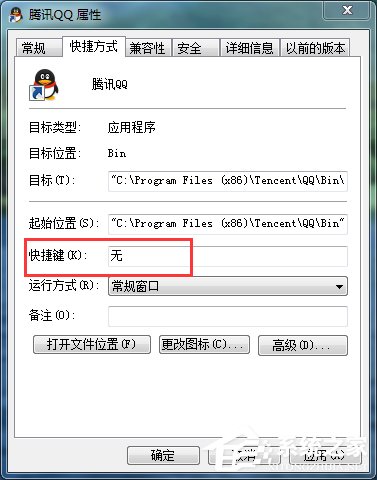
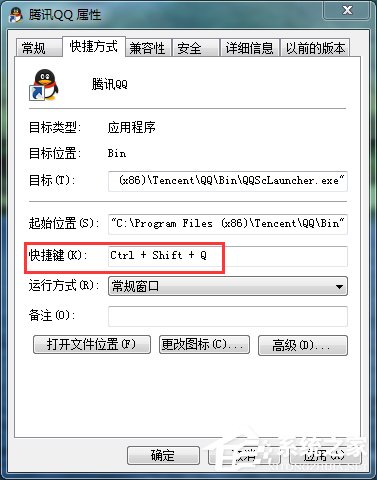
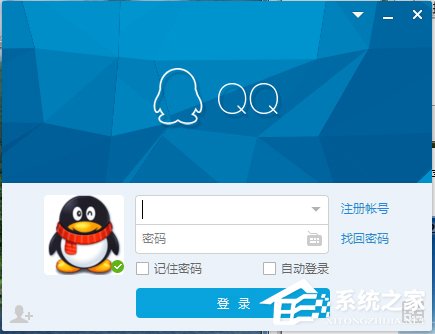
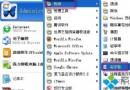
善用鍵盤快捷鍵啟動常用軟體,能大幅提升操作效率。Windows 7 可透過建立桌面捷徑、設定捷徑屬性中的「快速鍵」欄位,指定組合鍵 (如 Ctrl+Shift+Q) 一鍵啟動 QQ 或任何程式。
QQ.exe
提示:快速鍵組合必須包含 Ctrl+Alt 或 Ctrl+Shift 等修飾鍵,單一字母鍵無效。捷徑必須放在桌面或「開始」選單程式資料夾中,快速鍵才會全域生效。
誤刪 Soft2345 資料夾導致開機黑屏進不去 BIOS?重裝系統最快解決
Win7 滑鼠右鍵無反應、選單不彈出?註冊表修復指令一鍵解決
Win7 關閉高風險連接埠(135/139/445)防範勒索病毒與網路攻擊
Windows 7 禁用系統還原功能:防止誤觸導致資料遺失
Win7 修改登錄加速程式回應:新增 WaitToKillAppTimeout=0 縮短系統等待逾時,提升關閉/切換速度
Win7 移除 PNG 縮圖陰影效果:登錄檔 Treatment 值改為 0 即可
Win7 系統使用內建「程式和功能」卸載軟體完整教學
Win7/XP IE 瀏覽器彈出廣告視窗如何攔截?隱私分頁攔截設定教程