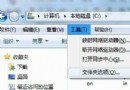
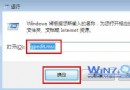
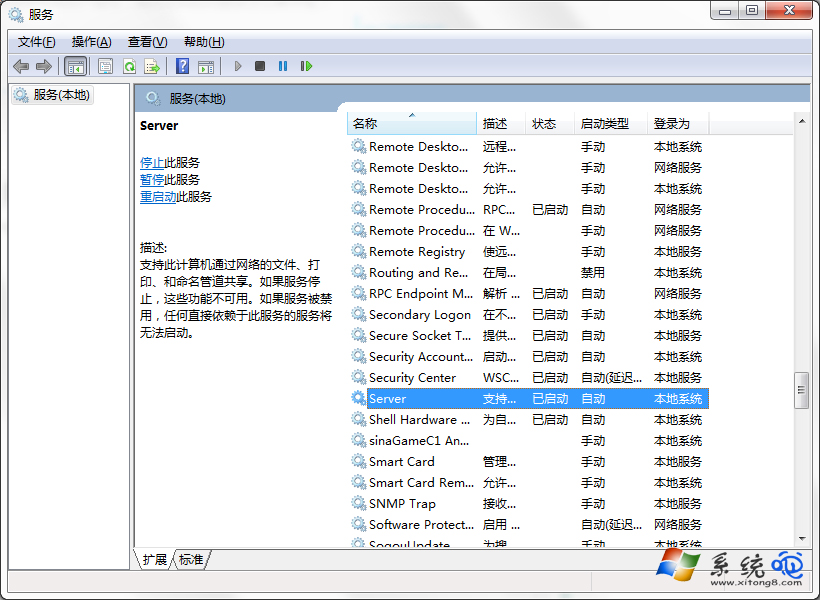
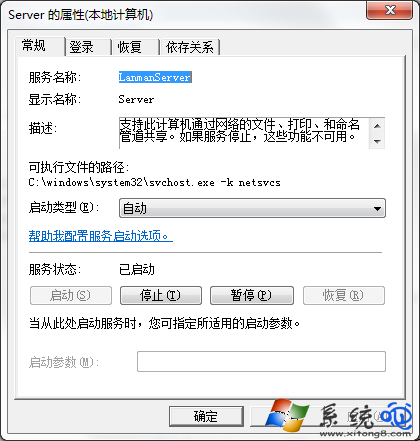
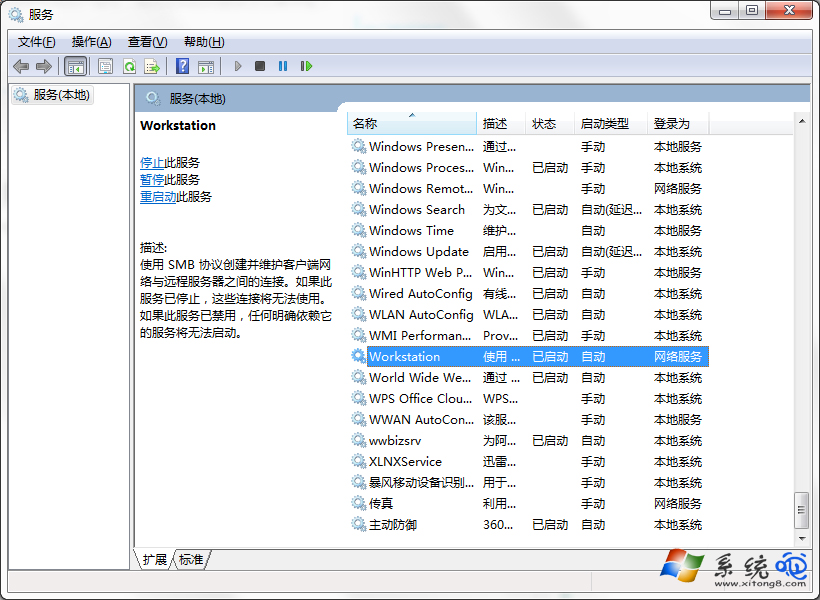
Windows 7 開啟「使用者帳號」或執行 lusrmgr.msc 時彈出「工作站服務未啟動」,導致無法管理本機使用者/群組。核心原因:Server(伺服器)與 Workstation(工作站)兩項關鍵網路服務被停用。啟用並設為「自動」,即可恢復帳號管理功能。
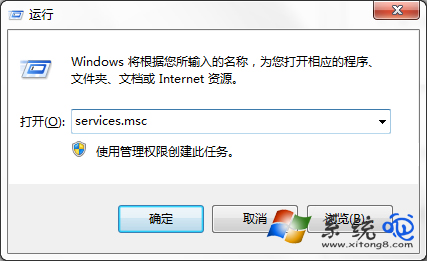
services.msc 開啟服務管理員。lusrmgr.msc 驗證「本機使用者和群組」能否正常開啟。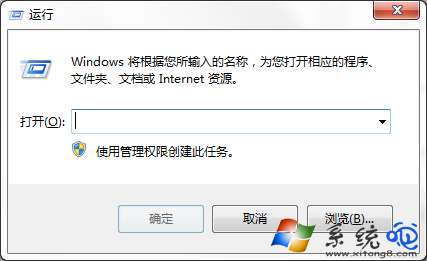
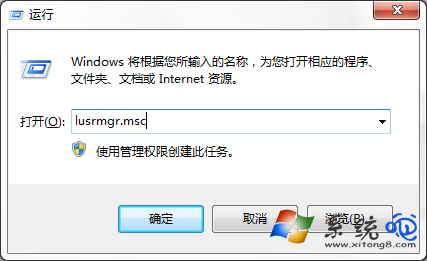
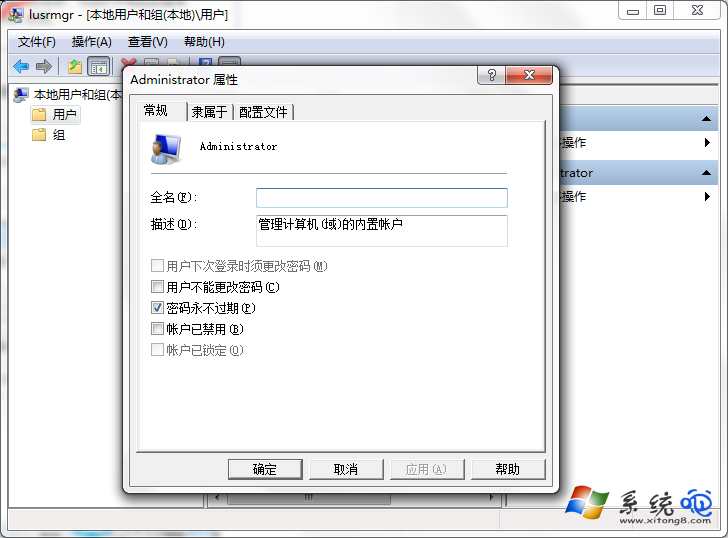
net share、lusrmgr.msc 遠端管理。net use、網路磁碟機對應。Win7 錯誤代碼 0x00000005 解決方案:重新安裝音效驅動程式
Win7 設定禁止 Guest 帳號存取 C 槽,保護系統檔案安全
「我的電腦」不顯示掃描儀與攝影機?啟用 WIA 服務或匯入登錄表修復 DelegateFolders
Windows 7 安裝後必做 12 項精簡與優化:從關閉休眠到刪除語言包/遊戲/驅動備份
Win7 資源管理器左側「家庭群組」圖示怎麼移除?登錄檔刪除 ShellFolder 登錄項
Windows 7 如何連接網路?網路和共用中心一站式管理有線/無線/撥號/VPN
解決 Windows 7 無法辨識 DVD 光碟機:刪除登錄檔 Upper/LowerFilters 或關閉驅動簽名強制