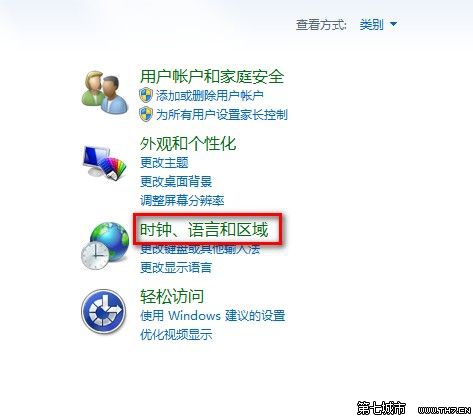
想把時間格式從 AM/PM 改成中文「上午/下午」?
修改後範例即時顯示,確認無誤再確定。
Windows 7 快速執行指令大全:.cpl 控制台面板項目、.exe 系統工具、管理指令
密碼為何頻頻失竊?揭秘駭客竊密四大手法與防護迷思
Windows 7 指定處理器親和性:讓特定程式只在指定 CPU 核心執行
微軟否認安全補丁導致 Win7 和 XP 黑屏死機
Windows 7 PowerShell 入門指南:啟動方式、常用指令、進程管理、別名設定、圖形化 ISE 介面
Win7 筆電永久刪除檔案不經回收站:Shift+Delete 與右鍵+Shift 兩大技巧
Win7 旗艦版關閉 Aero Shake 提升效能
Microsoft Fix it Center 自動診斷修復 Windows 常見問題:音訊無聲、IE 當機、網路不通