Windows 7 若要直接永久刪除檔案(不進回收站),有兩種鍵盤/滑鼠組合技巧,操作簡單但不可復原,刪除前請三思確認。
方法一:鍵盤組合鍵 Shift + Delete
- 選取欲刪除檔案/資料夾。
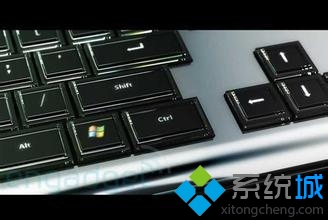
- 按住 Shift 鍵不放,再按 Delete 鍵。
- 彈出確認視窗顯示 「永久刪除」 字樣,點選「是」即直接刪除,不進回收站。
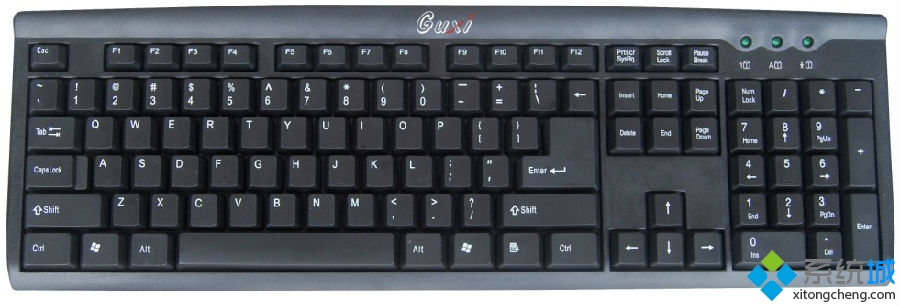
方法二:滑鼠右鍵 + Shift 鍵
- 滑鼠右鍵點選欲刪除檔案(按住右鍵不放)。
- 鍵盤按住 Shift 鍵不放,右鍵選單會出現 「刪除」 選項(原本無此選項)。
- 點選「刪除」→ 確認視窗點選「是」完成永久刪除。
⚠ 重要提醒:永久刪除檔案不經回收站,無法從回收站還原。若誤刪重要資料,需立即停止寫入磁碟,使用資料救援軟體(如 Recuva、R-Studio)嘗試復原,成功率隨時間遞減。建議重要資料先備份再操作。