保護機密資料,用 BitLocker 加密整個磁碟分區。
加密流程
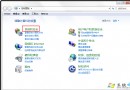
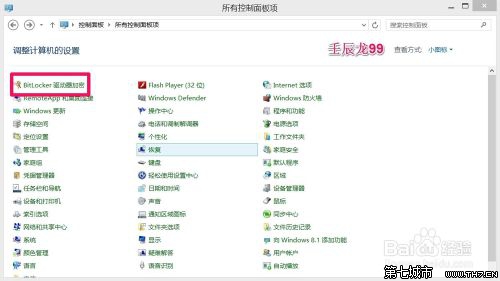
- 控制台 → BitLocker 磁碟機加密。
- 選擇目標磁碟(如 H:) → 開啟 BitLocker。
- 勾選 使用密碼解鎖 → 輸入兩次密碼 → 下一步。
- 備份復原金鑰:存到 USB、列印、或存檔 → 下一步。
- 選 僅加密已使用的磁碟空間(新磁碟較快)或 加密整個磁碟機 → 下一步 → 開始加密。
- 等待完成,磁碟圖示會出現小鎖。
使用與管理
- 加密後正常讀寫,自動即時加密新檔案。
- 檔案複製到未加密磁碟會自動解密。
- 解除加密:右鍵磁碟 → 管理 BitLocker → 關閉 BitLocker → 確認解密。
注意:僅支援 Professional/Enterprise/Ultimate 版本。