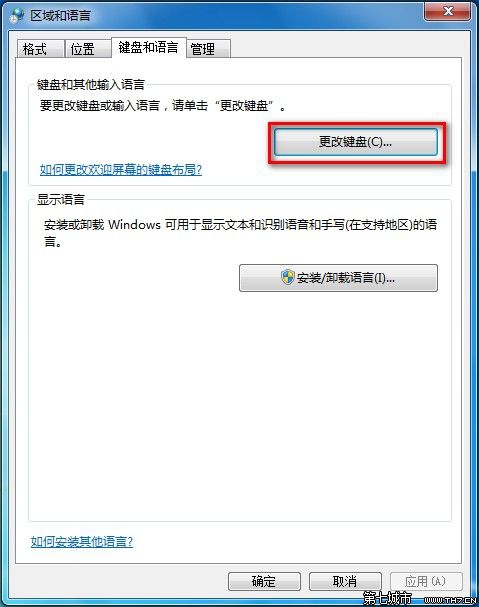
需要注音、倉頡、拼音等輸入法?
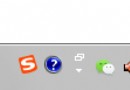
也可右鍵工作列語言列 → 設定 快速進入。
Win7 6GB 記憶體只顯示 3.25GB?msconfig 取消最大記憶體限制
Windows 7 設定螢幕自動關閉時間教學
解決 Windows 7 關機緩慢九大實用優化技巧
Win7 找回誤刪檔案:登錄檔重建資源回收筒法(限清空回收筒、未整理磁碟有效)
Win7行動中心完整指南:Win+X喚醒筆記本專屬快速控制面板
Windows 7 內建網路監視器安裝與使用完整教學
Win7 善用指令快速啟動 IE9 提升效率
硬體導致 Win7 死機九大可能:頻率不匹配、軟硬相容、接觸不良、電壓異常、硬碟壞軌、CPU 散熱/超頻、光磁頭老化、記憶體故障、損壞裝置殘留驅動