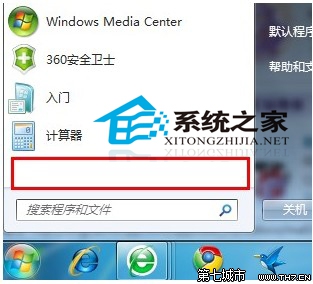
「所有程式」不見了?可能是群組原則被設為隱藏,改回即可。
gpedit.msc
若選「未設定」可能仍隱藏,務必選「已停用」。家用版無 gpedit.msc 需改註冊表。
Windows XP/7 死機完整排查指南:開機、執行、關機三階段成因與對策
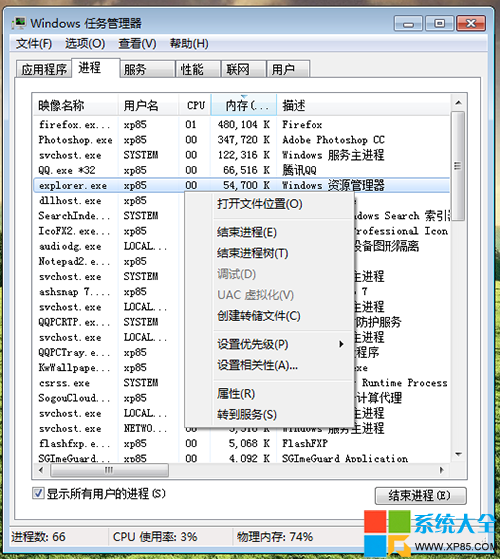
Win7 自動更新後黑屏?一鍵重啟 explorer.exe 秒解決
Win7 開機跳出 qqrepair.exe 損壞提示?教你用磁碟檢查快速修復
Windows 7 手動優化:虛擬記憶體、休眠、系統還原三大項調整
Win7 設定自動睡眠與關閉螢幕時間:省電又保護隱私
Win7 光碟機讀不到光碟?停用 Shell Hardware Detection 服務修復
微軟試水桌面廣告:出售 Windows 7 主題、桌面小工具、聲音自訂廣告位
Win7 找不到 Administrator 管理員帳號?電腦管理啟用或指令 net user 啟用