保持系統最新修補程式,提升安全性與穩定性。
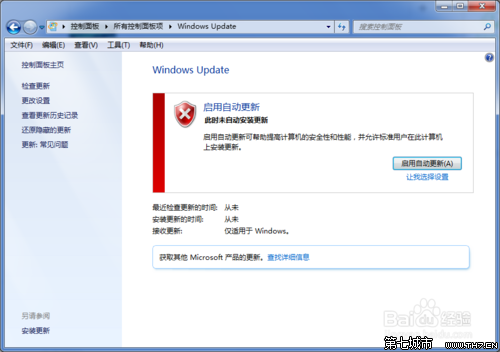
建議開啟自動更新,或定期手動檢查。
Win7 徹底刪除 kankan 資料夾教學(迅雷看看殘留清理)
Win 7 「執行」命令大全與高效操作指南
Win7 家用基本版 顯示回收站與修復邊欄 (Sidebar) 消失:資料夾選項勾選導覽窗格、註冊表 AllowElevatedProcess=1 解決 UAC 關閉導致 Sidebar 失效
Windows 7 工作列自動隱藏與顯示設定:一分鐘掌握
Windows 7 與 Server 2008 R2 爆 0day SMB 漏洞,可遠端導致系統崩潰
優化 Windows 7 開機速度:清理多餘啟動項完全指南
Win7 螢幕鍵盤(畫面鍵盤)怎麼開啟與關閉?完整操作指南
Win7 搜尋不留痕跡保護隱私:註冊表刪除 WordWheelQuery 或群組原則關閉「最近搜尋條目顯示」