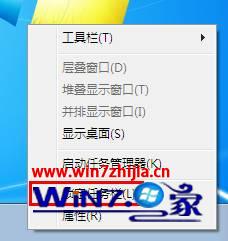
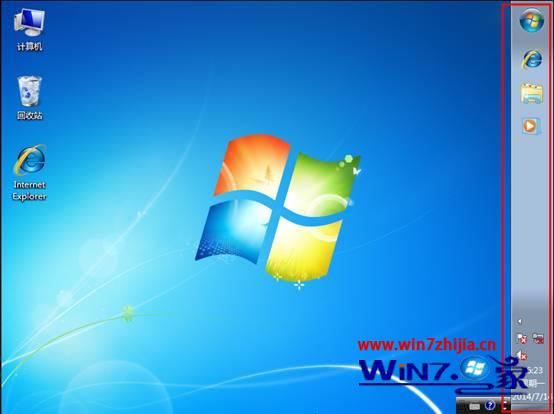
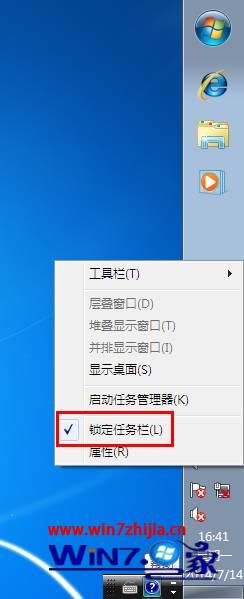
想把工作列變寬、或移到螢幕左側/右側/頂部?解鎖後直接拖曳即可,直覺操作無需進設定視窗。
補充:雙螢幕環境下,每個螢幕可獨立設定工作列位置(需在各螢幕工作列分別操作);垂直工作列建議調寬以容納更多釘選圖示。
Win7 設定排程任務定時自動執行程式:工作排程器完整圖文教學
Windows 7 關閉安全性中心教學:停用 Security Center 服務提升效能、停止誤報
Win7 體驗指數「無法評定視訊播放效能」?六大修復方案徹底解決
Win7 登錄檔備份完整教學:匯出 .reg 檔保護系統設定
Windows 7 建立虛擬硬碟 (VHD) 並掛載為磁碟分區教學
Windows 7 桌面背景自動輪播設定教程:幻燈片模式、時間間隔與 RSS 動態主題
Win7 旗艦版禁用登錄編輯器:群組原則「防止存取登錄編輯工具」設為已啟用
區域網路 Win7 存取 XP 最簡便方法:複製「網上鄰居」捷徑