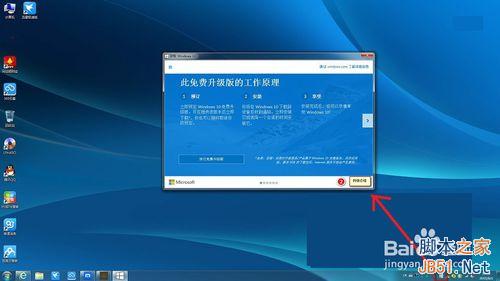
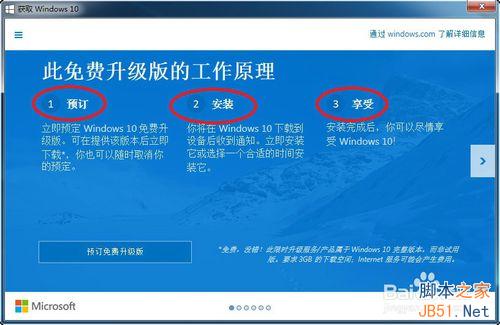
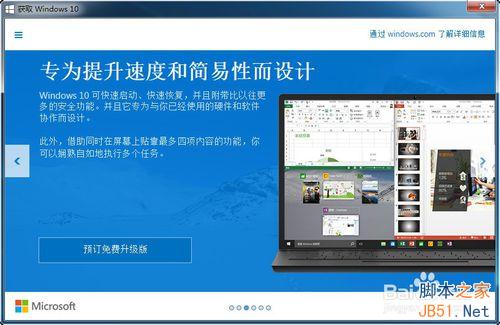
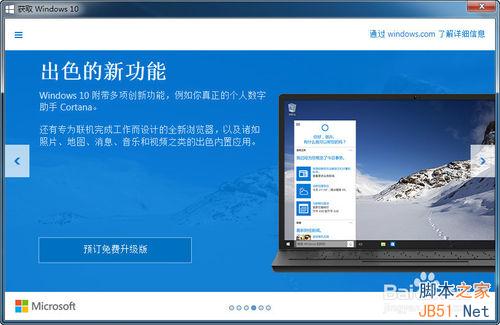
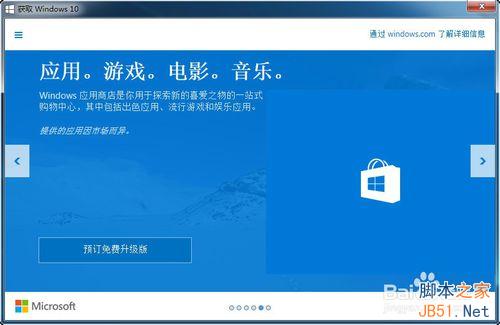
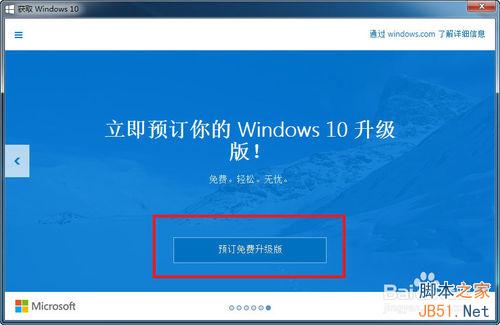
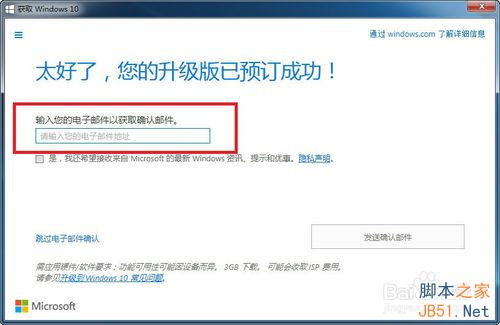
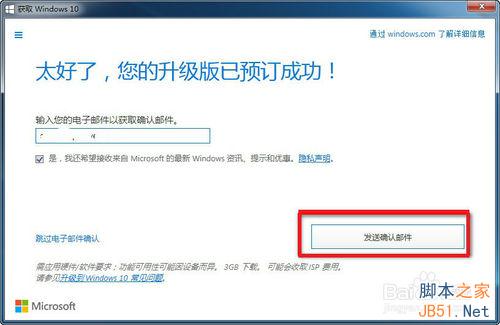
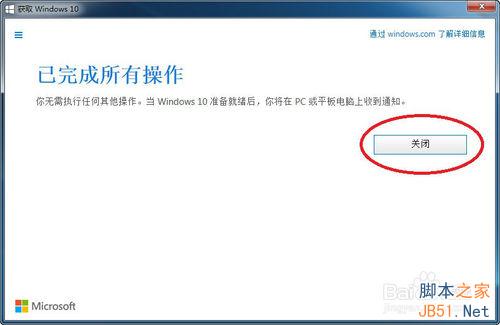
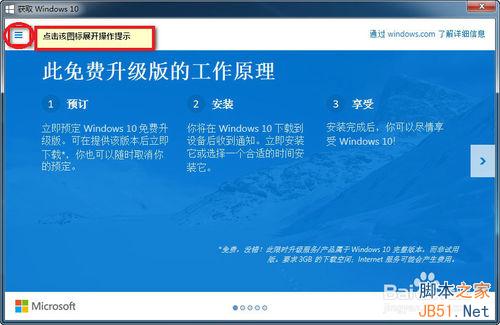
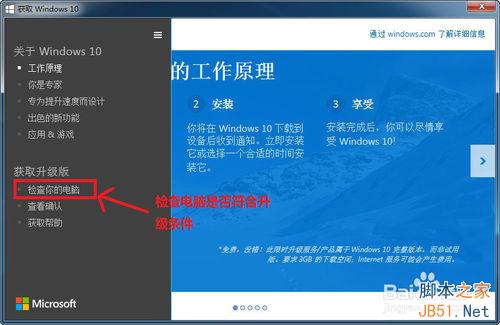
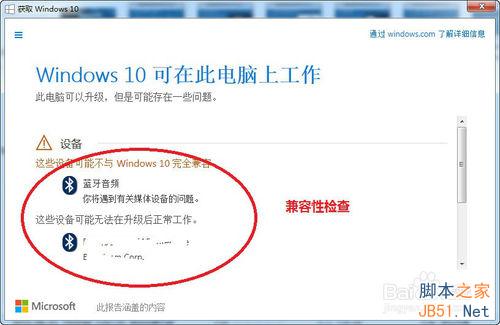
Win7/8.1 用戶可透過系統右下角「取得 Windows 10」圖示 (GWX) 進行免費升級預約,輸入信箱接收確認信,待推送時自動下載安裝。
此為 2015-2016 年官方免費升級管道,目前免費升級優惠已正式結束,但符合條件裝置仍可透過無障礙升級管道取得授權。
Win7 程式庫功能:新增與移除資料夾完整指南
Win7 旗艦版刪除 OEM 憑證與金鑰、重新匯入啟動完整指令教學
Windows 7 系統還原實戰:比 Ghost 靈活、保留個人資料、關鍵時刻救命稻草
Windows 7 提示「找不到共用名稱」三大排查方向:重設共用名、權限、隱藏共用路徑
Windows 7 視窗切換技巧大全:Alt+Tab、Win+Tab、工作列預覽進階用法
Windows 8 Release Preview 大量應用程式截圖賞析
Windows 7 Beta 受 Conficker 蠕蟲威脅 自動播放成傳播管道
Win7 快速更換 Office 2010/2013 產品金鑰:原生安裝程式「變更」功能比指令碼更簡單