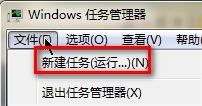
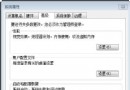
網路實際正常,但任務列圖示顯示紅叉/未連線。主因是網路狀態指示器與 Routing and Remote Access 服務狀態不同步。
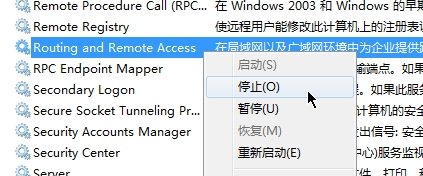
Routing and Remote Access
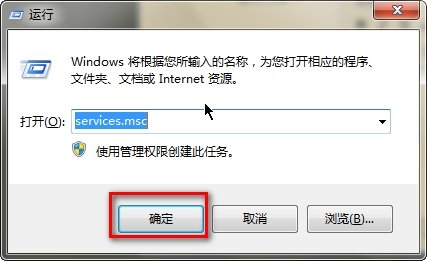
services.msc
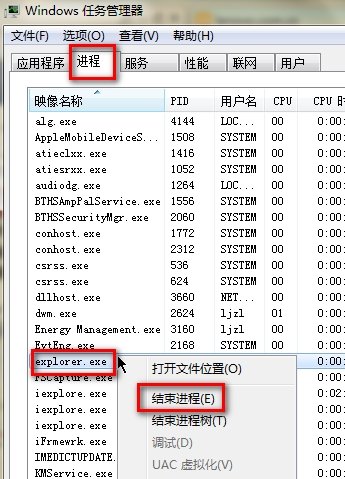
explorer.exe
explorer
此法無需重開機,秒級修復圖示異常。
Win7 多視窗快速平鋪分割螢幕:滑鼠拖曳 / Win+方向鍵 兩種方法
Windows 7 與 Vista 能否在休眠狀態下下載?
Windows 7 取得檔案/資料夾完整權限:右鍵選單加入「管理員取得所有權」
Windows 7 連接 XP 共享印表機「拒絕存取」解決:建立本地連接埠指向共享路徑
Win7 網路未被識別、右下角黃色驚嘆號?重置網路介面卡驅動解決
Windows 7 桌面便箋:打造專屬電子記事本,告別紙本便利貼
打造專屬你的 Win7 工作列:六大個性化設定讓操作更順手
Win7 系統安裝日期查詢:一行 CMD 指令秒出初始安裝時間