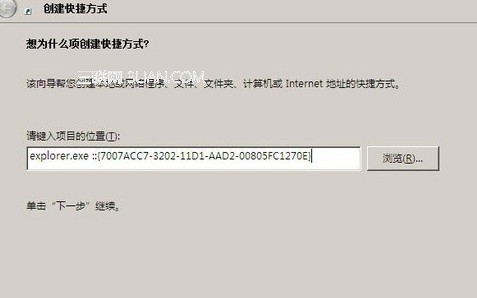
Win7 移除了桌面「網路連線」圖示,需修改 DNS/IP 時須多層選單點擊。解法:建立桌面捷徑直達 ncpa.cpl。
ncpa.cpl
此捷徑等同於控制台 → 網路和共用中心 → 變更介面卡設定,適合頻繁調整網路參數的用戶。
Win7 內建音訊疑難排解:一鍵掃描修復播放/錄音問題,免安裝第三方工具
Windows 7 設定無線網路自動連線教學
Win7 設定 ADSL 自動撥號上網:建立連線與開機自動撥號完整教學
Win7 修改 hosts 檔案實現網址轉向與封鎖指定網站教學
Windows 7 擴大 C 盤空間,磁碟管理壓縮 D 盤擴展系統分區
Windows 7 滑鼠右鍵選單出現陰影/殘影?關閉選單淡出動畫即可解決
Win7 筆電低電量自動關機設定教學,保護硬碟資料
Windows 7 測試者必讀:給 Beta 測試人員的 5 項關鍵建議