C 盤空間不足時,無需重裝系統重新分區。Win7 內建磁碟管理支援線上壓縮其他分區(如 D 盤)釋放未配置空間,再擴展 C 盤,全程資料不動。
操作步驟
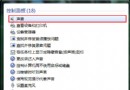
- 右鍵「電腦」/「我的電腦」 →「管理」 →「磁碟管理」。
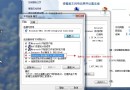
- 右鍵 D 盤(或空間較大分區) →「壓縮磁碟區」,輸入壓縮量(MB)。如需騰出 50GB,輸入
51200(50×1024)。
- 壓縮完成後會出現綠色「未配置」區塊。
- 右鍵 C 盤 →「擴展磁碟區」 → 依精靈指示將未配置空間納入 C 盤 → 完成。
全程圖形介面操作,無需第三方工具,資料安全無損。