Windows 7 內建許多功能預設啟動,佔用系統資源。可透過「開啟或關閉 Windows 功能」依需求精簡,減少開機負擔。
此外,亦可搭配第三方工具(如 360 安全衛士)管理開機啟動服務與啟動項目,進一步優化開機速度。
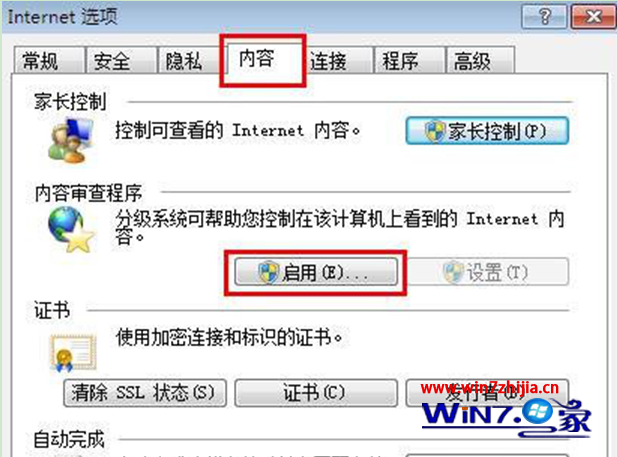
Win7 無法流暢看迅雷看看?IE8 安全性設定擋了影片
Windows 7 正版安裝完整教學:從下載 ISO、建立啟動 USB 到分區與驅動安裝
Win7 RPC 服務自動停止的兩大原因:優化軟體誤關、使用者誤禁用
Win7 MSN/Windows Live Messenger 頻繁離線?關閉 TCP AutoTuning 解決
Windows Mobile 7 將內建行動版 IE7、Media Center 並支援 Silverlight
Win7 純淨版快速刪除快取檔案:IE 暫存檔與系統暫存資料夾雙軌清理
Win7 x64 播放影片藍屏 0x00000124?PotPlayer x64 + 純淨解碼器解決
Win7 如何開啟寫字板?三種方法快速啟動 WordPad