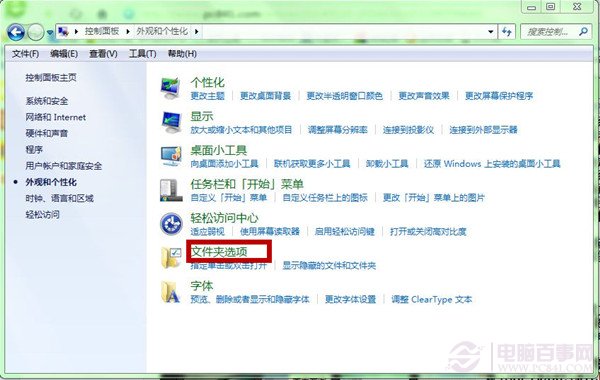
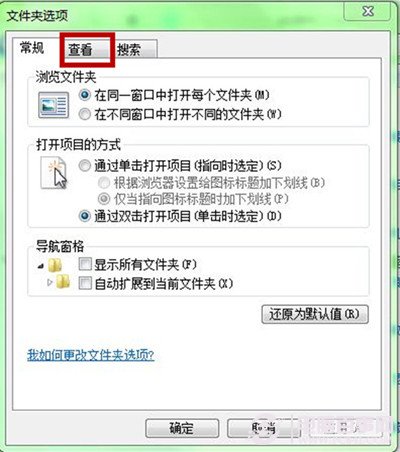
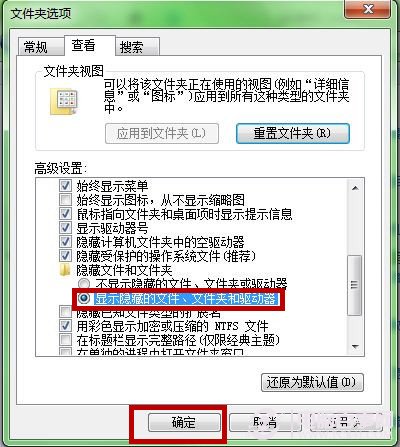
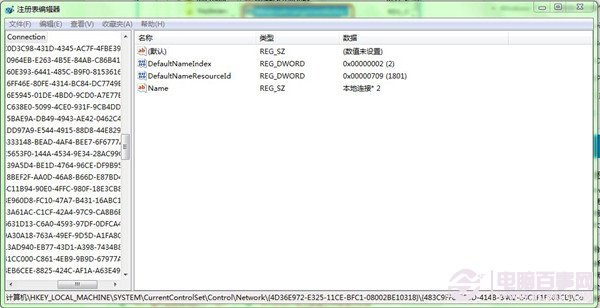
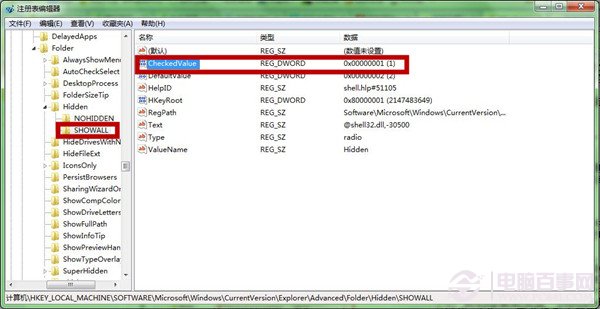
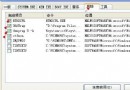
regedit
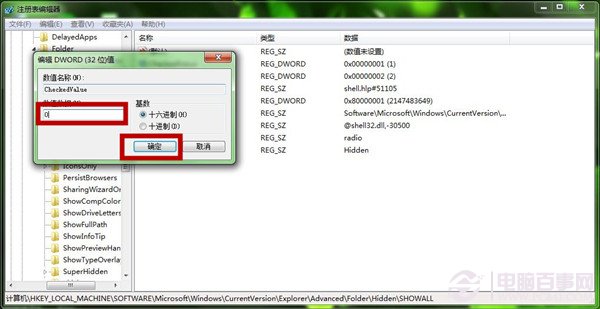
HKEY_LOCAL_MACHINE\SOFTWARE\Microsoft\Windows\CurrentVersion\Explorer\Advanced\Folder\Hidden\SHOWALL
CheckedValue
GUI 法適合單機操作;登錄表法可匯出 .reg 檔分發多台電腦快速套用。
Win7 清理登錄後無法上網怎麼辦?
Win7 系統盤空間不足?移動 Users 資料夾到 D 槽 釋放 C 槽空間
HITB 駭客大會登場 Windows 7 漏洞與 Conficker 成焦點
Win7 開機倒數關機提示「NT AUTHORITY\SYSTEM」?Blaster 蠕蟲病毒專殺指南
Win7 共用印表機顯示離線?憑證遺失一招解決
Win7 遠端桌面提示「必須被授權」解決方法:群組原則設定遠端登入權限
Windows 7 防火牆關閉完整教學:依網路位置類型分別設定
Windows 7 自我修復機制詳解:啟動修復、系統還原、映像還原三層防線,免重灌救系統