除了開始功能表關機、電源鍵、Alt+F4,Win7 可透過 JScript 腳本建立自訂關機捷徑並指派熱鍵,適合喜歡鍵盤操作的進階用戶。
notepad 開啟記事本。(new ActiveXObject("Shell.Application")).ShutdownWindows();Shutdown.js,存放於桌面或固定資料夾 (如 D:\Scripts\Shutdown.js)。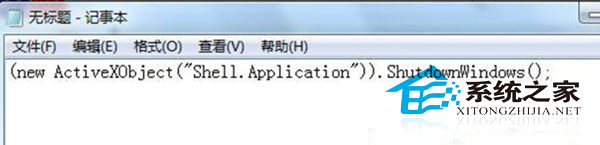
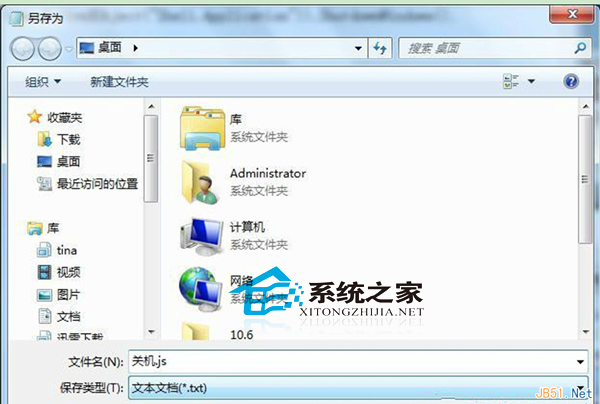
Shutdown.js 上右鍵 → 「建立捷徑」 (桌面會出現「Shutdown - 速鍵」)。若想跳過「關閉 Windows」對話框直接執行動作,可改用 WSH Shell Run 方法呼叫 shutdown.exe:
' 立即關機
CreateObject("WScript.Shell").Run "shutdown.exe -s -t 0 -f", 0, False

' 立即重開機
CreateObject("WScript.Shell").Run "shutdown.exe -r -t 0 -f", 0, False

' 登出
CreateObject("WScript.Shell").Run "shutdown.exe -l", 0, False
存為 ForceShutdown.js 等,同樣可建立捷徑指派熱鍵。
ShutdownWindows() 會呼叫系統標準關機對話框 (含關機/重開機/睡眠選項),較安全。shutdown.exe -f 會強制關閉應用程式,可能造成未儲存資料遺失,請謹慎使用。