Windows
explorer.exe
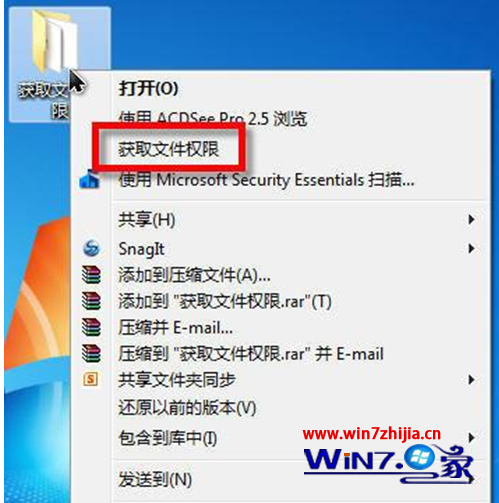
注意:直接右鍵 explorer.exe 檔案不會出現該選項,必須在資料夾層級操作。
Windows 7 快速開啟命令提示字元的 3 種實用技巧
Win7 聲卡驅動安裝失敗?自動與手動修復完整教學
Windows 7 任務列進階技巧大全:快速啟動、Jumplist、玻璃特效與外掛增強
防止 Windows 7 藍屏死機:安裝分區、BIOS、驅動、電源五大關鍵設定
Win7 通知區圖示殘留清理:刪除登錄檔 IconStreams/PastIconsStreams 重置歷史記錄
Win7 找不到 DVD 光碟機(代碼 52)兩種修復方案:刪除登錄濾波器或關閉驅動程式簽章強制
Windows 7 破解激活方式大盤點:四大不可能與兩大可能路徑深度解析
Win7 新增韓文輸入法教學:與歐巴暢聊無障礙