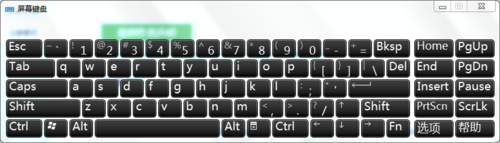
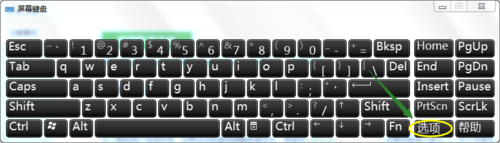
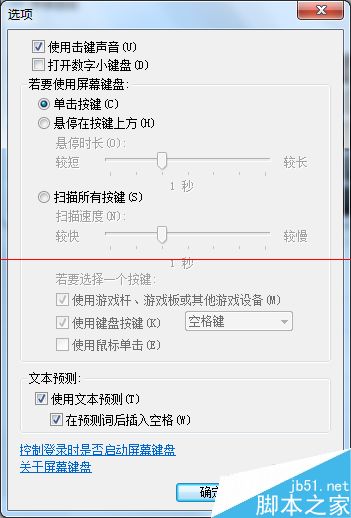
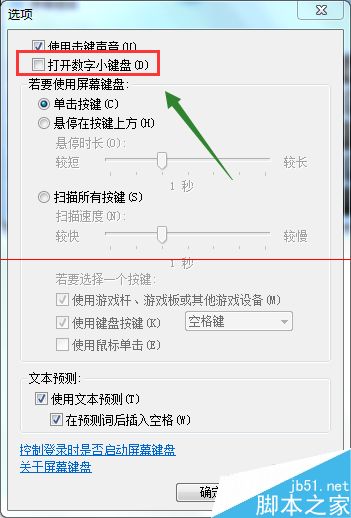
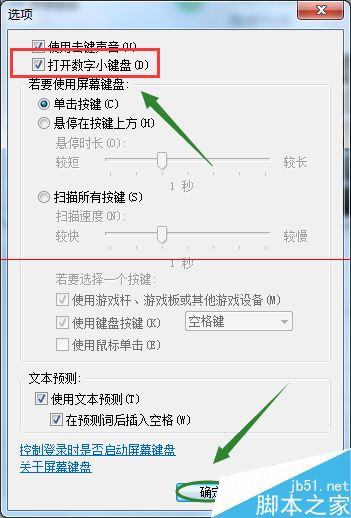
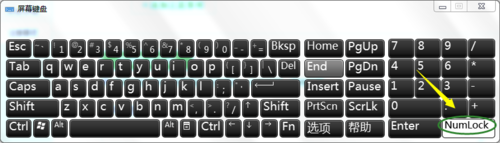
NumLock 鍵無反應通常非硬體故障,而是系統設定問題。透過內建螢幕鍵盤即可快速恢復。
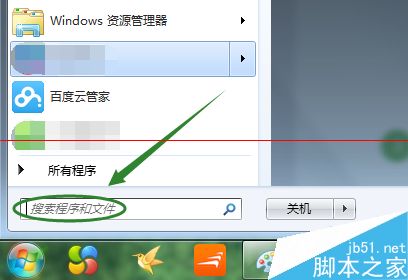
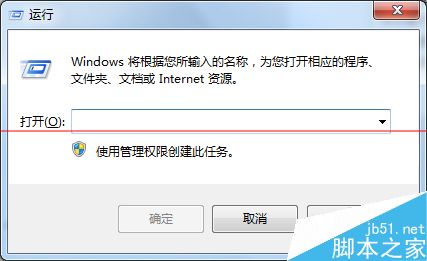
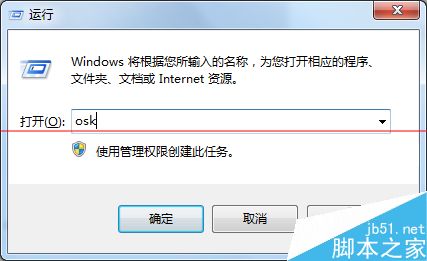
OSK 開啟螢幕鍵盤。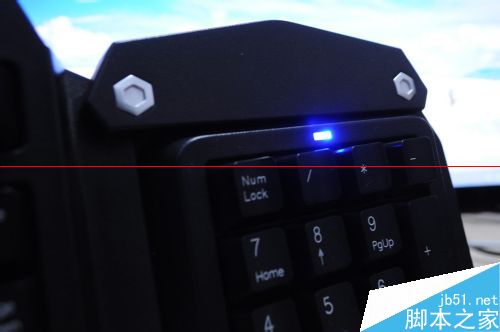
Win7 完全控制面板 (God Mode 變體):新建資料夾命名為 完全控制面板.{ED7BA470-8E54-465E-825C-99712043E01C} 即可建立
關閉 Win7 視窗智慧排列 (Aero Snap) 功能:註冊表修改 WindowArrangementActive 為 0
Win7 熱鍵 Win+R 一鍵開啟「執行」對話框,傳承 XP 經典習慣
Win7 電腦中如何讓 EditPlus 存檔不產生 bak 檔案
Win7 關閉可移動磁碟自動播放:群組原則法與登錄法雙管齊下
判別 Windows 7 正版與盜版:微軟官方「如何辨識真偽」網站指南