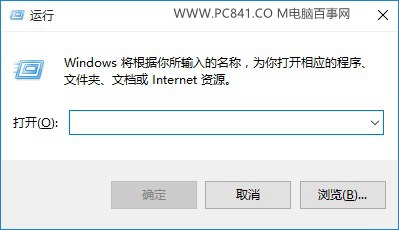
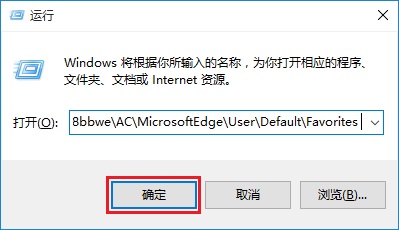
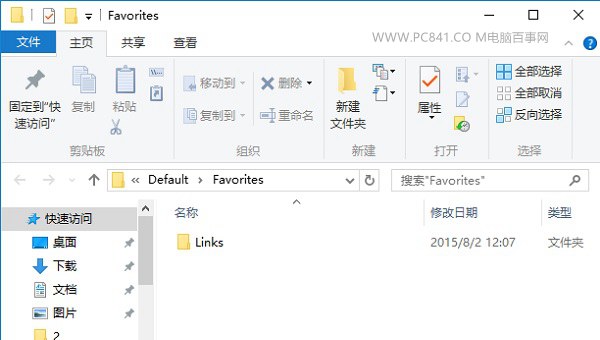
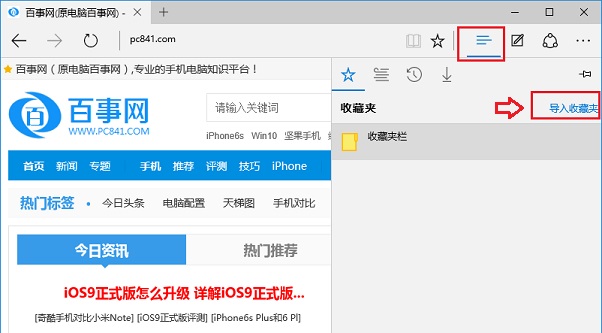
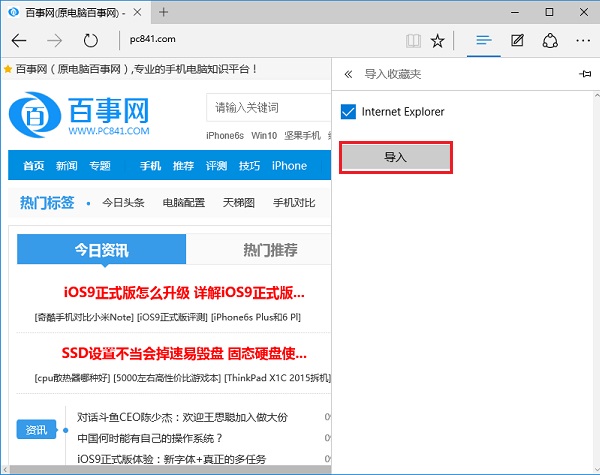
Edge (Spartan) 收藏夾路徑隱藏較深,難以像 IE 直接找到。提供直接路徑與圖形化匯入法。
%localappdata%\Packages\Microsoft.MicrosoftEdge_8wekyb3d8bbwe\AC\MicrosoftEdge\User\Default\Favorites
Favorites
%UserProfile%\Favorites
電腦螢幕解析度調不準?教你檢查顯示卡驅動程式是否安裝正確
360 升級助手偵測 CPU 溫度過高無法升級 Windows 10?降溫對策與排查完整指南
Windows 10 快速啟動如何開啟/關閉?開機加速功能完整設定教學
QQ 郵箱 SMTP 服務開通圖文教程:POP3/SMTP、IMAP/SMTP 三項全開、驗證碼授權碼設定
Win10 Mobile 14951 更新卡 0% 四大解決方案
Win10 桌面背景變黑無法顯示?教你快速恢復背景圖片設定
Win10 技術預覽版安裝完整圖文教學:兩種最簡單方法(升級安裝與雙系統)
Win10 建立 VPN 連線完整圖文教學:PPTP 協定、允許其他人使用、連線驗證