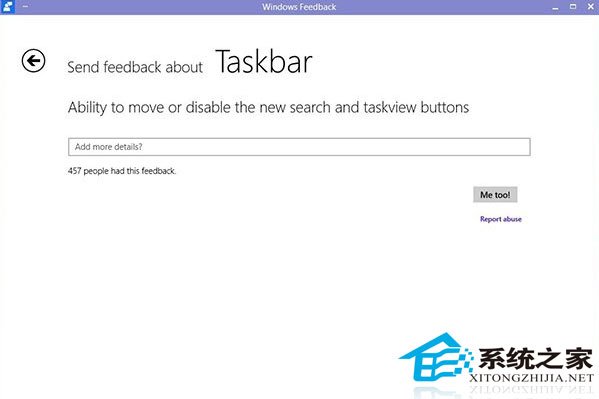
Windows 10 工作列預設佔據較大空間的「搜尋列」與「工作檢視」按鈕,部分使用者希望移除以騰出空間給釘選應用。可透過修改登錄機碼實現,**但微軟不建議修改此類系統機碼,可能影響後續版本升級穩定性,請謹慎操作並建立還原點。**
Windows Registry Editor Version 5.00
[HKEY_CURRENT_USER\Software\Microsoft\Windows\CurrentVersion\Search]
"EnableProactive"=dword:00000000Windows Registry Editor Version 5.00
[HKEY_CURRENT_USER\Software\Microsoft\Windows\CurrentVersion\Search]
"EnableProactive"=dword:00000001Windows Registry Editor Version 5.00
[HKEY_CURRENT_USER\Software\Microsoft\Windows\CurrentVersion\Explorer\MultitaskingView\AllUpView]
"Enabled"=dword:00000000Windows Registry Editor Version 5.00
[HKEY_CURRENT_USER\Software\Microsoft\Windows\CurrentVersion\Explorer\MultitaskingView\AllUpView]
"Enabled"=dword:00000001HideSearch.reg、ShowTaskView.reg 等。知曉風險後,若仍堅持極簡工作列,請善用上述登錄檔切換。
Win10 安裝 SolidWorks (SW) 反覆提示「需重新開機」?兩階段離線安裝法破解迴圈
Windows 10 啟用 Windows Defender 預設掃描壓縮檔:PowerShell 與註冊表雙法
Win10 如何將資料夾釘選到工作列?一般捷徑與特殊圖示 (回收站/網路) 完整教學
Win10 開網頁提示「SSL 連線錯誤」?Internet 選項啟用 SSL 3.0 / TLS 1.0 / 1.1 / 1.2 即可解決
Win10 無法開啟 .hlp 說明檔案?從舊系統複製 winhlp32.exe 到 C:\Windows 或拖曳開啟