Windows XP Windows 7 Windows 2003 Windows Vista Windows 綜合教學 Linux 系統教學
Windows 10 Windows 8 Windows 2008 Windows NT Windows Server 電腦軟體教學

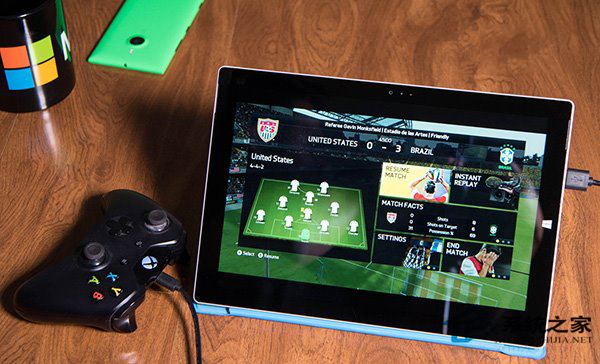
Windows 10 Xbox 應用程式開啟「超高畫質」串流模式

編輯:Win10 系統應用技巧

Xbox 應用程式遊戲串流功能隱藏「超高畫質」模式,需修改本地設定檔啟用,畫質大幅提升但需高頻寬支援。

啟用步驟

  1. 開啟檔案總管,前往路徑:
    C:\Users\%USERNAME%\AppData\Local\Packages\
  2. 找到以 Microsoft.XboxApp 開頭的資料夾 → 進入 LocalState 子資料夾。
  3. 用記事本開啟 userconsoledata 檔案(無副檔名)。
  4. 找到 IsInternalPreview 參數,將值從 false 改為 true。
  5. 儲存檔案(Ctrl+S),重新啟動 Xbox 應用程式。

Xbox 超高畫質模式

注意: 此模式需要極佳網路頻寬(建議 50Mbps 以上乾淨頻寬),否則會出現嚴重卡頓、延遲。一般家用網路建議使用預設「高畫質」或「中畫質」模式。

Copyright © Windows教程網 All Rights Reserved